ChatGPT has no native button to bulk-delete selected chats. Clear everything at once, delete one by one, or use a local browser extension.
This article was researched and drafted with AI, then checked and released by a person before it went live. The illustration is not AI-generated: it is rendered from HTML. Every factual claim links to its source, so you can verify it yourself.
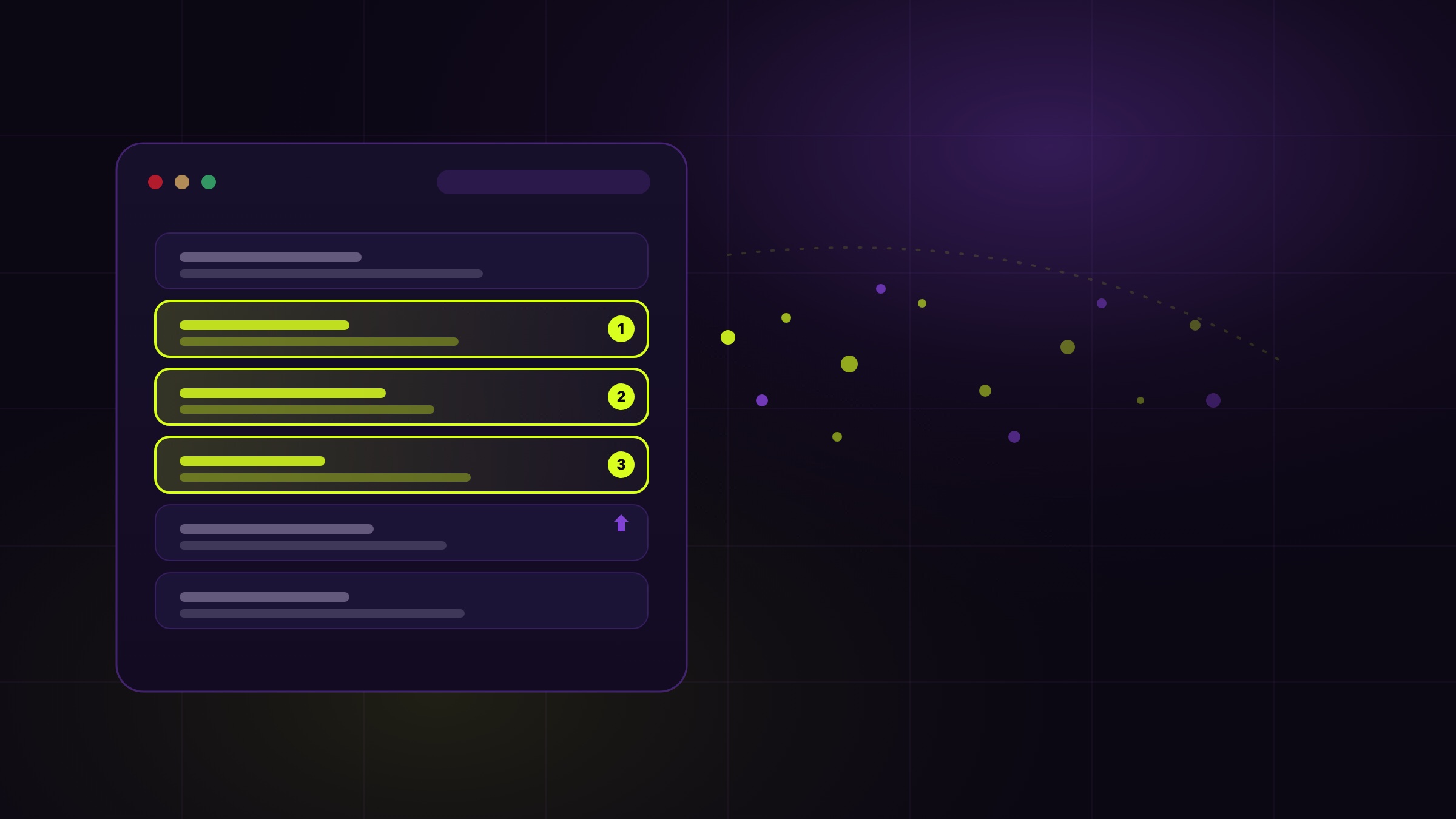
Illustration, rendered from HTML. A stylized browser sidebar with conversation cards, three highlighted and numbered, dissolving into particles, illustrating selective bulk deletion.
ChatGPT gives you two native choices, clear your entire history in one action, or delete chats one at a time. There is no built-in way to remove a chosen batch. To bulk-delete a specific number of conversations while keeping the rest, you use a local browser extension that works inside your own logged-in session. Deletion is permanent, so pin what you want to keep before you start.
Most people accumulate hundreds of ChatGPT conversations without noticing. Every quick question, draft email, code snippet, travel plan, health worry or money question becomes a saved chat sitting in your sidebar. Over a year that history holds a surprisingly detailed picture of your life, which is exactly why the urge to clear it eventually arrives. The practical question is how to bulk delete ChatGPT conversations without clicking the trash icon on each one for an hour. The honest starting point is that ChatGPT does not make selective bulk removal easy.
Out of the box you have two options, and they sit at opposite extremes. The first is to delete everything at once. In your settings, under data controls, there is an option to clear your entire chat history in a single action. This is fast, but it is all or nothing: every conversation goes, including the ones you wanted to keep. The second option is to delete conversations one at a time by hovering a chat in the sidebar and clicking the trash icon. As guides tracking ChatGPT's interface in 2026 confirm, there is no middle path built in: no checkboxes, no multi-select, no way to say "delete these forty but keep those ten."
Why is selective bulk delete missing? The sidebar is drawn with the browser's document model, and OpenAI has simply not shipped a multi-select layer on top of it. As a 2026 round-up of every bulk-delete method noted, that gap is exactly why browser extensions exist for this task. If you only ever want a total reset, the native clear-all is enough. The moment you want to keep some chats and remove the rest, you need another approach.
A browser extension can do what the interface will not: work through your conversation list and remove a chosen number while leaving the rest alone. This is where the wyper Social Cleanup extension fits in. It already bulk-deletes your own content on X and Instagram, and it now treats ChatGPT the same way, as one more surface in a single cleanup routine. Crucially, it runs locally. Instead of connecting a remote server to your account, it acts inside the ChatGPT tab you already have open, logged in as yourself. There is no OAuth, no password, and nothing to sign in to again. When it removes a conversation it sends the very same delete request the ChatGPT website itself sends when you click the trash icon by hand.
In practice you pick how many to remove: 10, 50, 100, or all. Before anything is deleted, the conversations that are about to go are marked in red and numbered in the sidebar, so you can glance at the list and confirm it is really what you meant, rather than counting in your head. Pinned chats are always skipped, so the way to protect a conversation is simply to pin it in ChatGPT first. The extension paces itself, deleting one chat at a time with short pauses, both to stay gentle on your account and to avoid tripping a rate limit. There is a free daily allowance, and a Pro key lifts it.
Two honest caveats matter here. First, this is not an official OpenAI API. It drives your existing web session, which is a normal thing your browser already does, but automated deleting through the interface is at your own account risk, so it is worth going in batches rather than hammering everything at once. Second, deletion is permanent. Once a conversation is gone it does not come back from the app, which is the whole reason the tool shows you the target list and keeps your pinned chats untouched.
| Clear all in settings | Delete one by one | wyper Social Cleanup | |
|---|---|---|---|
| Keeps selected chats | No, everything goes | Yes, but manually | Yes, pinned chats are skipped |
| Effort for 100 chats | One click | 100 clicks | Pick a count, confirm the marked list |
| Shows what will go first | No | Not applicable | Yes, marked red and numbered |
| Needs account access | No | No | No, runs in your open tab |
| Reversible | No | No | No |
Who needs which: if you want a clean slate, the native clear-all is the right tool and costs nothing. If you have a handful to remove, deleting them by hand is faster than installing anything. The extension earns its place where you want to keep some conversations and remove many, which is exactly the case ChatGPT itself does not cover.
It helps to stop thinking of ChatGPT chats as throwaway and start treating them like the rest of your footprint. The private trail used to be tweets, posts and direct messages. Now a large share of it lives in AI conversations that quietly record what you were working on, worried about, or planning. Cleaning that history belongs in the same privacy routine as pruning old posts: clear what you no longer need, keep only what you pin, and do it on a schedule rather than once in a panic. Managing whether your chats are used to improve models is a separate control inside ChatGPT's settings, which you can review at OpenAI's help center; deleting old conversations is about your own visible history.
ChatGPT gives you all-or-nothing natively: wipe everything, or delete chats one by one. To bulk delete a chosen number of conversations while keeping the rest, use a local browser extension that runs in your own session, keeps pinned chats, and shows you what it will remove first. Because deletion is permanent, pin what you want to keep before you begin.
The wyper Social Cleanup extension bulk-deletes posts, replies and likes, with filters instead of one tap per post.
The web app installs to your home screen in one tap. No store, no account.
Already using it? ★★★★★ Rate it on the Chrome Web Store. Reviews decide what others get shown first.
 wyper
wyper