The first hour of a news event carries the highest risk of false narratives. Learn how to verify origin accounts, timelines, and visual provenance.
This article was researched and drafted with AI, then checked and released by a person before it went live. The illustration is AI-generated. Every factual claim links to its source, so you can verify it yourself.
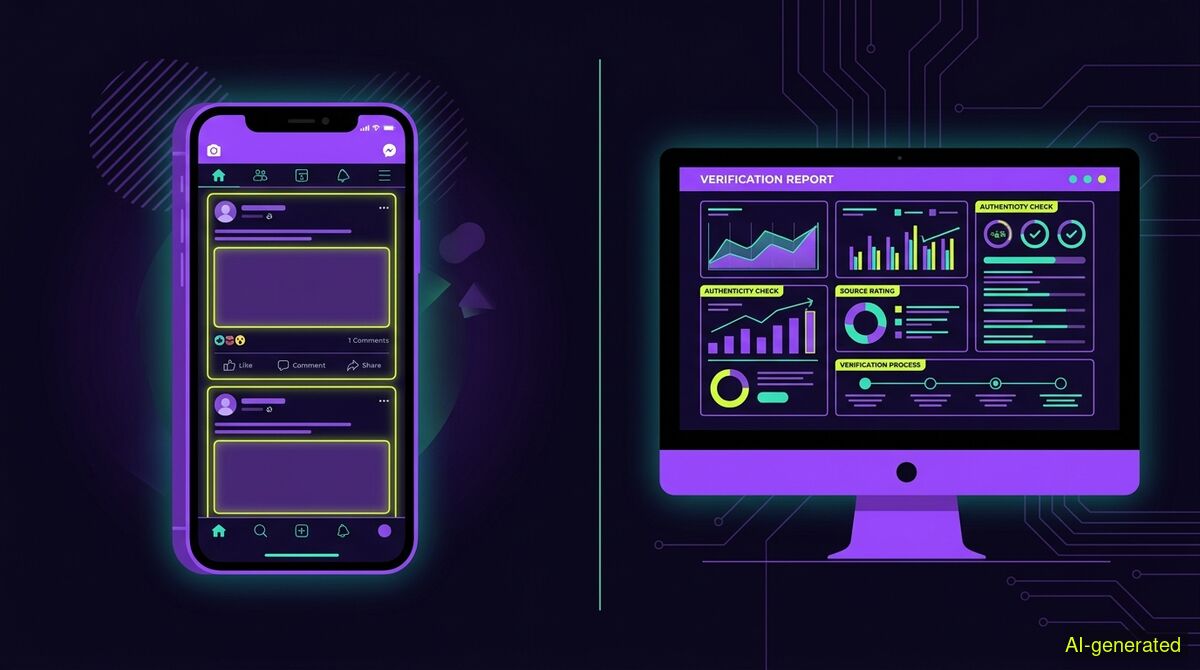
AI-generated illustration. A split screen showing a social media timeline on a smartphone beside a desktop monitor displaying a source verification report.
You can verify breaking news in the first hour by checking the origin account's history, tracing the earliest publication date of visuals, and cross-referencing timeline consistency before media reports arrive. When real reporting is absent, the most accurate conclusion is often that a claim is not yet decidable.
When a major event happens, the rush to know what occurred outpaces careful verification. Learning how to verify breaking news in the first hour is a necessary defense against false narratives. Researchers have consistently found that misinformation spreads fastest in the window before verified reporting arrives, a gap that systematically favors speed over accuracy, as Journo News reported. During this critical window, early reports rely on partial eyewitness accounts, misidentified images, and unverified social posts, which DC Navigator notes can amplify harm if taken at face value.
The core problem during a breaking news event is not whether a claim sounds reasonable, but whether the claim can be traced and inspected across an auditable data foundation, a principle highlighted by Statistics News. In the first hour, that auditable foundation is usually missing.
The first step in evaluating a breaking claim is looking at the source. If mainstream reporting has not yet caught up, the origin account is your primary baseline. You must click away from the story to learn more about the website or the profile, which SFU Library recommends as a primary strategy for identifying false information. You are looking for timeline consistency and account history.
Sometimes, old data is resurfaced to look like a new threat. For example, San.com detailed how old bot data from a previously identified network was recently reframed into a new story about a national threat from China. Checking the history of the account posting the claim helps you spot whether they are a genuine eyewitness, a news aggregator, or an automated network recycling old talking points.
The most common deception in breaking news is not a sophisticated synthetic image. It is old, real footage relabeled as a new event. You can check this manually by running a reverse image search to find the earliest documented publication date.
If you need automated help, the wyper AI Spotter provides a provenance report for images and videos. This feature sits entirely in the web app. It is not a detector and it never outputs a percentage of how "AI-ish" something looks, because that number is the exact harm the tool exists to prevent. Instead, it checks content credentials against 55 official trust anchors, scans file metadata, runs a reverse image search, and verifies quotes. For video, it takes still frames and searches each one separately, meaning a hit on any frame is a hit on the video.
You must understand how content credentials work to use this properly. A content credential sits in its own box beside the picture data. Any repackaging drops it, including a lossless upload that leaves every pixel untouched. Social platforms repackage files on upload. Therefore, on a video taken off a social feed, finding no credential is the normal case, not a suspicion. The report will state this clearly. You should check the original file instead, where the digital signature might still be intact.
Because a provenance report calls three paid services on every single run, there is no cheap first look to give away. The AI Spotter is not in the free tier for images or video. It costs one credit per image and four credits per video on paid plans. However, the text fact-check remains completely free for five checks a day with no account required.
When dealing with text claims, speed and context matter. Newsrooms use rapid verification services to assess claims while a story is still unfolding, as PA Media highlighted regarding real-time context tools. For individual readers, you can paste a post URL into the free wyper web app to evaluate a text claim immediately.
The standard check uses a Dual-AI cross-check powered by Gemini and Grok. Grok searches for itself during this process, meaning the two models do not share one evidence set. The tool returns a truth score from 1 to 10 along with an evidence chain of real, linked sources. Sources are never filtered by origin. There is no mainstream bonus and no preference for official sources. The reader reviews the evidence and decides.
Our own published measurements show the reality of automated reading. In a test of 633 real citations re-fetched, we found 73 percent verbatim on the page. However, 19 percent of pages were unreachable for automated readers due to paywalls or PDF formats, and 6.4 percent were not findable. Source reach tests on 24 claims showed the models reached primary sources 63 percent of the time and legacy media 14 percent of the time.
It is important to note that two models trained on overlapping text are correlated, not independent. In our tests of 30 claims with frozen sources, Gemini and Grok agreed in 29 out of 29 cases, even on deliberately contested claims. For deeper investigation, the paid Full Spectrum check uses a Triple-AI reading: three models, one evidence set. The third voice does not search. It receives exactly the sources the main model received and reads them independently. In our tests, this third model of different origin disagreed in 3 of 26 cases, every time with a machine-verified quote. A disagreement here is a different reading of the same material, not a different search result.
During fast-moving crises, synthetic media can blend with real reports. Recently, TikTok had to remove a post containing AI-generated images of people missing in the Nepal floods after it violated platform guidelines, as The Straits Times reported. The same real-time AI models that can surface breaking trends can also overamplify rumors and recycled screenshots, a risk outlined by Viral Software.
To check a video on X or YouTube, the wyper extension operates directly in your browser. It uses subtitles when they are reachable. When subtitles are not available, an AI model actually watches the video within a specific time window. The free tier covers 10 minutes on YouTube, while Pro covers 30 minutes. On X, the limit is 2 minutes free and 7 minutes Pro. Longer videos are refused outright rather than being partially checked. The tool does not run deepfake pixel forensics and it does not judge intent.
The web app cannot see your YouTube session, which means subtitles are often unavailable there. The extension runs in your browser and can reach more context for YouTube. For videos on X, both products take the same route.
Local newsrooms build systems to spot local misinformation early and publish clear responses before a story snowballs, a process outlined by WaikatoDHB Newsroom. Misinformation alerts need a separate operating model that is disciplined enough to avoid embarrassing corrections, as FakeNews Live detailed.
As an individual reader in the first hour, you will frequently find that neither manual searches nor AI tools can confirm a claim. The truth score is never proof of trustworthiness. All fact-checking tools have a public dispute register that is append-only and hash-chained, ensuring entries cannot be silently edited or removed. When evidence is scarce, the most accurate conclusion is that the claim is not yet decidable.
| Feature | Manual checks | wyper web app | wyper extension |
|---|---|---|---|
| Text fact-checking | Search engines, reading multiple tabs | Free tier available (5/day), no signup | Free tier available, checks in-feed |
| Video analysis | Watching manually, searching transcripts | Subtitles often unavailable (no YT session) | AI watches video (time limits apply), reads subtitles |
| Visual provenance | Reverse image search via external sites | Paid AI Spotter (1 credit image, 4 video) | Not available in extension |
| Data privacy | No data leaves the browser | URL sent to server for processing | Runs in active tab, reads in-browser context |
| Cost | Completely free | Both free tier and paid plans | Both free tier and paid plans |
Who needs which: Manual checks are best for users who want total privacy and have the time to read multiple primary sources across different tabs. The wyper web app is for users who want a quick text fact-check or a deep visual provenance report without installing anything. The wyper extension is for readers who want text and video claims checked directly in their social media feeds without switching contexts.
Verifying breaking news in the first hour requires checking the origin account, tracing visual provenance, and reading the evidence chain before mainstream reports arrive. When real reporting is absent, automated text checks and video analysis can surface context, but the final judgment stays with you. Sometimes the most accurate answer is that a claim is not yet decidable.
The wyper Fact-Check extension runs these checks on the post itself: truth score, evidence chain, and the date gap that catches recycled footage.
The web app installs to your home screen in one tap. No store, no account.
Already using it? ★★★★★ Rate it on the Chrome Web Store. Reviews decide what others get shown first.
 wyper
wyper