Start with content credentials, then reverse-search for the earliest copy, then compare the claimed date and place. Steps that work, and what no tool can tell.
This article was researched and drafted with AI, then checked and released by a person before it went live. The illustration is AI-generated. Every factual claim links to its source, so you can verify it yourself.
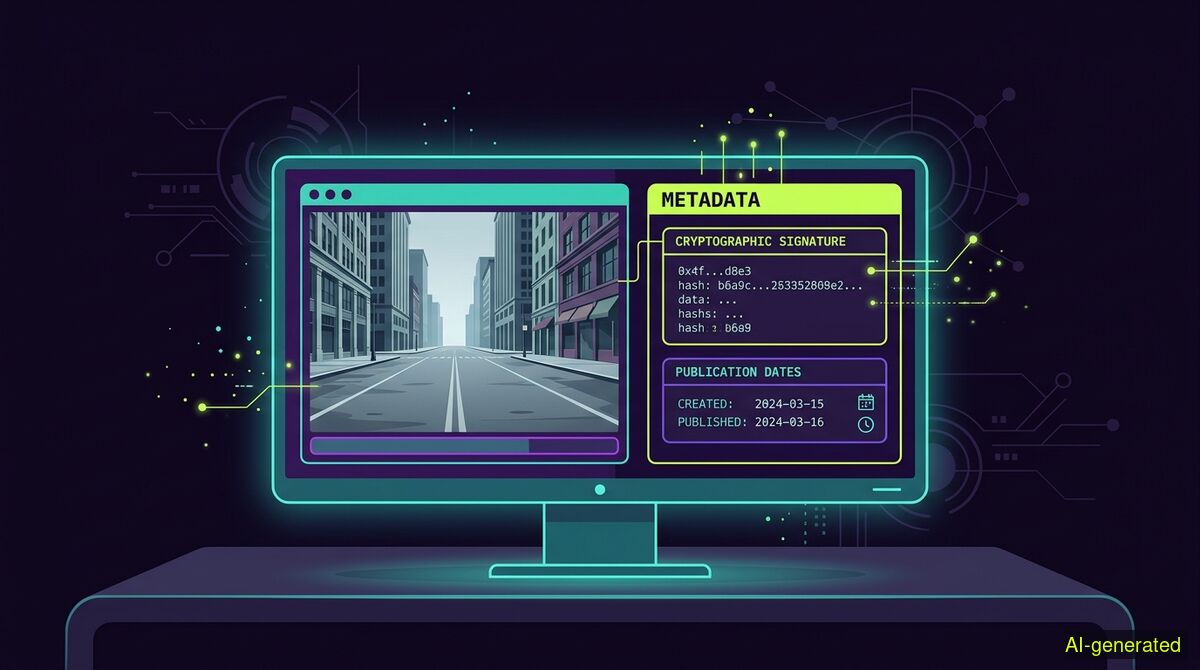
AI-generated illustration. A computer monitor displaying a photograph next to a metadata panel showing a cryptographic signature and publication dates.
To check if a photo is AI-generated, inspect its cryptographic Content Credentials, trace its earliest publication date via reverse image search, and look for specific rendering errors. Do not rely on AI detectors that output a percentage score, as they frequently mislabel real photos and clear sophisticated fakes.
When you need to check if a photo is AI-generated, the methods that worked a few years ago will likely lead you astray today. The visual tells have largely vanished. Verifying digital media in 2026 requires looking past the pixels themselves to examine cryptographic provenance, historical publication records, and file metadata. The question of authenticity is no longer a niche worry for journalists. It is a default check that recruiters, insurance adjusters, and ordinary internet users run on a regular basis.
For a long time, the easiest way to spot a synthetic image was to look closely at the details. Early generation models struggled with human anatomy, physics, and text. You could reliably find extra fingers, garbled background signs, melting jewelry, impossible reflections, and asymmetric eyes. Guides written in 2023 leaned heavily on these heuristics, and they worked well enough for a casual observer to flag fake content.
By 2026, most of these visual tells have been substantially mitigated. As a guide from FelloAI explains, relying on clean hands or correctly spelled signs no longer proves a photo is real. Top models render text in the mid-90 percent accuracy range and handle limbs cleanly. Furthermore, PrivacyCrop noted that modern models like GPT Image 2 and Midjourney v7 have mastered reflections and symmetry. If you try to verify a photo entirely by eye today, you will be wrong in both directions. You will miss high-quality fakes and you will falsely accuse real photographers of using AI when they capture strange lighting or unusual angles.
Some visual indicators do remain, but they are subtler and eroding quickly. According to ImgKey, the tells that still work are highly specific and time-sensitive. You might occasionally spot repetitive textures in complex backgrounds or unnatural transitions between focal planes. However, using your eyes should only be the first step in a broader verification process.
The most consequential development for image authenticity is the widespread adoption of the C2PA standard, known to consumers as Content Credentials. This system embeds tamper-evident provenance metadata directly into media files. The standard is managed by the Coalition for Content Provenance and Authenticity, a joint project involving major technology and media companies.
A Content Credential acts like a digital shipping manifest. It can show who or what signed a file, which tool created or edited it, whether generative algorithms were involved, and whether the signed data still validates against the file you are inspecting. Hardware support is now mainstream. As Konvrt detailed, cameras from Leica, Sony, Canon, and Fujifilm now ship with the ability to sign images cryptographically at the moment of capture.
However, EXIFDataView clarifies that C2PA is not a truth machine. It proves whether a provenance record is present and still attached to the asset, but it does not inherently prove that a photo depicts reality without manipulation. A malicious actor could theoretically capture a photo of a staged scene, and the camera would still sign it as a real photograph. The credential verifies the file history, while the judgment of intent remains with the reader.
If Content Credentials are so powerful, you might wonder why they do not solve the problem entirely. The answer lies in how digital platforms handle uploaded files. A Content Credential sits in its own box beside the picture data. Any repackaging of the file drops that box.
When you upload an image to most social media networks or messaging apps, the platform compresses and repackages the file to save server space and bandwidth. This process strips out the C2PA metadata. Therefore, if you download a suspicious image directly from a social feed, finding no Content Credentials is the normal case, not an immediate proof of deception. To properly check a file using cryptographic signatures, you generally need to track down the original upload or check it on a platform that explicitly preserves and displays C2PA data.
Because metadata is so fragile, historical context carries the most weight in verifying a photo. The most reliable way to check an image is to find out when and where it first appeared online. This is accomplished through reverse image searching across multiple databases.
When a sensational image goes viral, finding its earliest documented publication often solves the mystery. If a photo claiming to show a current natural disaster actually first appeared in a news article from four years ago, you have proven it is being used deceptively. This catches the most common real-world deception: old footage relabelled as new. A pixel detector cannot see that temporal discrepancy at all.
Effective manual verification involves running the image through search engines, checking news archives, and looking for variations of the same scene. If an image depicts a major public event but only exists from one impossible camera angle, with no corroborating photos from other witnesses, the likelihood of it being synthetic increases significantly.
Many tools promise to tell you if an image is fake by outputting a percentage score, claiming a photo is "98 percent likely to be AI". You should avoid relying on these metrics. The number itself is the harm we exist to prevent. These detectors look for specific pixel arrangements or noise patterns that generative models leave behind. As the models improve, the patterns change.
Detectors frequently suffer from false positives, flagging genuine historical photographs or heavily edited digital art as synthetic. They also suffer from false negatives, completely missing images generated by the newest models. Trusting a percentage score outsources your judgment to an opaque algorithm that cannot understand context, history, or the physical world.
Instead of guessing based on pixels, a better approach is to compile a provenance report. The wyper AI Spotter is built precisely for this. It never outputs a percentage of how "AI-ish" something looks. Instead, it checks the C2PA content credential against 55 official trust anchors, ensuring that a signature is actually trusted and not merely self-signed. It also inspects file metadata, runs reverse image searches, finds the earliest documented publication, and verifies quotes.
Because a provenance report calls three paid services on every single run, the AI Spotter is not in the free tier. It costs 1 credit per image and is available on paid plans only. However, if you only need to verify text claims, you can use the free wyper web app without an account to get a truth score and an evidence chain of real sources for up to five text checks a day.
| Feature | Manual checks | wyper web app | wyper extension |
|---|---|---|---|
| Installation required | No | No | Yes |
| Privacy | High (no data leaves browser) | High (checks run securely) | High (runs in your active tab) |
| Free text fact-checking | Yes (via search engines) | Yes (5 per day) | Yes (unlimited on free tier) |
| Image provenance checking | Yes (requires multiple tabs) | Yes (Paid AI Spotter, 1 credit/image) | Yes (Paid AI Spotter, 1 credit/image) |
| In-page checking | No | No | Yes |
Who needs which: Manual checks are ideal for users who want total privacy, have zero budget, and are willing to spend time running their own reverse searches and metadata inspections. The wyper web app is for users who want to check text claims quickly or run a paid image provenance report without installing any software. The wyper extension is for researchers, journalists, and heavy social media users who want to fact-check text or run paid image reports directly inside the page they are currently reading.
Technology will continue to evolve, and the arms race between generative models and verification tools will not end. The Coalition for Content Provenance and Authenticity recently expanded its scope. As reported by C2PA.ai, the new 2.3 specification introduces live video provenance, allowing hardware to sign content in real time during a broadcast. This extends cryptographic trust beyond still images into live streaming.
Despite these advancements, no tool can definitively tell you what to believe. A cryptographically signed photo can still be staged. A synthetic image can still be used to illustrate a true concept. Verification tools provide you with the history, the metadata, and the cryptographic context of a file. The final judgment of intent and trustworthiness always stays with the reader.
Checking if a photo is AI-generated requires looking at cryptographic Content Credentials, running reverse image searches for earliest publication dates, and ignoring unreliable AI percentage detectors. The most effective strategy combines technical provenance data with historical context. No software can replace your own critical judgment of the evidence provided.
The wyper Fact-Check extension runs these checks on the post itself: truth score, evidence chain, and the date gap that catches recycled footage.
The web app installs to your home screen in one tap. No store, no account.
Already using it? ★★★★★ Rate it on the Chrome Web Store. Reviews decide what others get shown first.
 wyper
wyper