Learn how to verify if a trending video is actually from a current conflict or recycled old footage, using manual checks and fact-checking tools.
This article was researched and drafted with AI, then checked and released by a person before it went live. The illustration is AI-generated. Every factual claim links to its source, so you can verify it yourself.
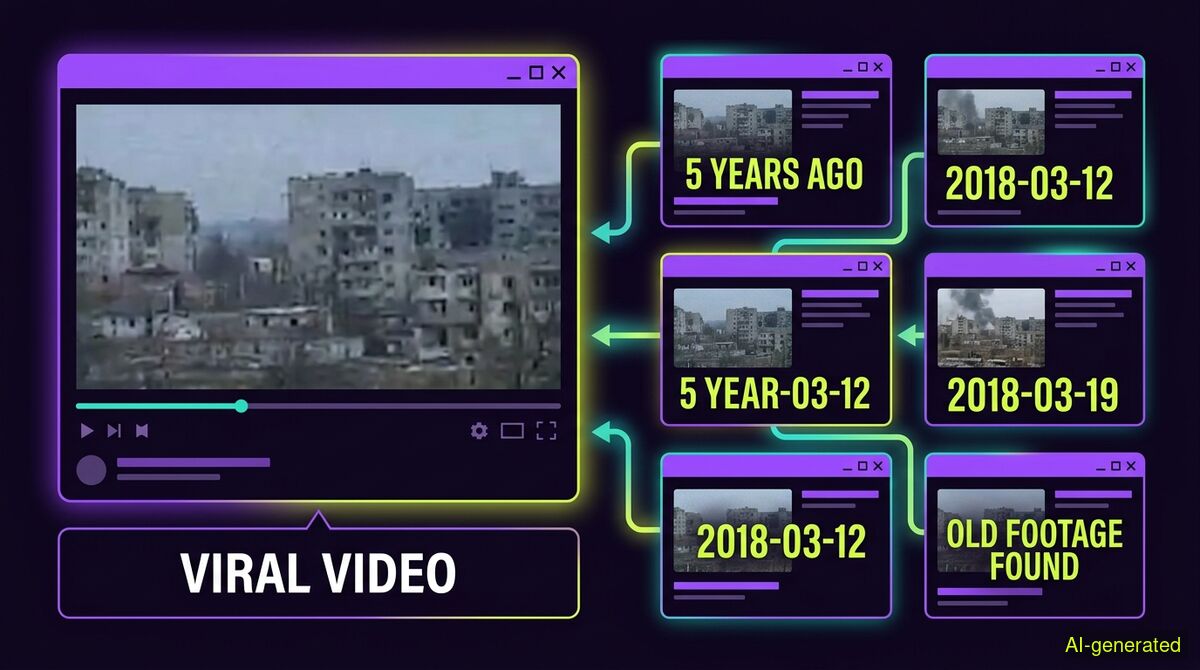
AI-generated illustration. A split screen showing a video player on one side and a grid of older search results with timestamps on the other.
To check if a viral conflict video is old footage, trace its earliest upload date using reverse image search on keyframes. Misinformation often relies on recycling older clips and presenting them as breaking news from a current crisis.
When a geopolitical crisis breaks, social media timelines immediately fill with dramatic video clips. The footage is often visually striking, highly emotional, and completely disconnected from the current event. As a viral video context checklist published by TopTrends on 5 November 2026 noted, a viral video's caption travels much faster than its context.
Disinformation narratives are frequently triggered by real news events. When tensions escalate, older recordings are rapidly recycled to harvest engagement or shape public opinion. Spotting these falsely labelled videos requires a specific verification approach, because traditional deepfake detectors are looking for the wrong clues.
The most common form of video deception online is not a sophisticated AI generation. It is a real video presented with a false date, place, or meaning.
Following reports of a US strike on Iran's Qeshm Island in early November 2026, social platforms were awash with dramatic images of fighting. However, as DW reported on 6 November 2026, their fact-checking team found that the viral posts heavily relied on recycled videos and misleading claims from dubious accounts. The footage showed real explosions, but they were from entirely different, older conflicts.
A similar pattern emerged in East Africa during the same week. MultiFactCheck reported on 8 November 2026 that a video claiming to show Ethiopian federal forces entering the town of Shiraro was actually more than five years old. By using reverse image search, investigators traced the video back to a Facebook reel published in May 2021. The recording was genuine, but it had absolutely no link to the November 2026 fighting in northern Ethiopia.
In these situations, a clip can collect millions of views while its original uploader and recording date remain unclear. As ViralVideos.live pointed out in their 2 November 2026 checklist, an old recording presented as a new event does not automatically prove a video is synthetically faked, but it is a primary reason to pause before treating it as verified news.
When people suspect a video is false, they often look for an AI detector to scan the pixels. This approach fails completely on relabelled footage. If a video is a genuine recording from 2021, the pixels are entirely real. A detector looking for synthetic generation will conclude the video is authentic, which unintentionally validates the false caption.
Verification requires establishing the earliest appearance of the footage and the gap between the event and the post date. This is what catches the most common real video deception.
To check a video manually, you must break it down into still images and search for those images across the internet. Professional fact-checkers use specialized tools for this process, but the underlying method is accessible to anyone.
Image Search Techniques published a guide on 8 November 2026 detailing how to use browser extensions to verify viral videos frame by frame. The process involves splitting a video into distinct still frames, known as keyframes. You then run these individual keyframes through reverse image search engines to see where else they have appeared online.
If a video claiming to show a strike from yesterday returns search results from a news article published three years ago, you have definitively proven the context is false. This manual method is highly effective, but it requires patience and multiple search queries.
For those who want to speed up the process, automated tools can perform these checks. The wyper Fact-Check extension offers specific tools for this, but it is important to understand exactly how they work and what their limits are.
To check text claims and context, wyper uses a Dual-AI cross-check featuring Gemini and Grok. Grok searches for itself during this process, meaning the two models do not share one single evidence set. This standard check returns a truth score of 1 to 10, alongside an evidence chain of real, linked sources. The tool never calls this truth score proof of trustworthiness, and it never judges the intent behind a post. Both of those judgments stay entirely with the reader.
Our own published measurements show the effectiveness of this search approach. In tests with predefined root claims, the tool reached primary sources 63 percent of the time and legacy media 14 percent of the time, while reaching all 6 non-English roots in the test set.
For quick text verification without installing anything, readers can use the free wyper web app in their browser.
When dealing with video content, the method of analysis matters. The wyper extension uses subtitles whenever they are reachable. When subtitles are not available, an AI model actually watches the video within a specific time window.
There are strict limits to this capability. On the free tier, the tool can watch up to 10 minutes of a YouTube video, while the Pro tier extends this to 30 minutes. For videos on X (formerly Twitter), both the web app and the extension take the same route. The limit for X videos is up to 2 minutes on the free tier and 7 minutes on the Pro tier. Longer videos on X are refused outright, meaning they are not partially checked.
The web app cannot see a user's logged-in YouTube session, so subtitles are often unavailable there. The extension runs directly in the user's browser, allowing it to reach more subtitle data seamlessly.
For deep video analysis, the wyper web app includes an AI Spotter. This tool provides a provenance report, never a simple detector percentage. The AI Spotter is not included in the free tier for images or video, as it calls three paid services on every single run, costing 4 credits per video on paid plans.
The AI Spotter takes still frames from the video and searches each one separately. A hit on any frame is a hit on the video. It also checks for content credentials like C2PA signatures, verifying them against 55 official trust anchors.
However, there is a counter-intuitive reality about content credentials that must be understood whenever video comes up. A content credential sits in its own box beside the picture data. Any repackaging drops it entirely. This includes a lossless repackaging that leaves every single pixel untouched. Because social media platforms repackage files upon upload, a video taken off a social feed will almost always return nothing on the credential layer. This is the normal case, not a suspicion. To find an intact signature, you must check the original file before it was uploaded to a platform.
| Feature | Manual checks | wyper web app | wyper extension |
|---|---|---|---|
| Setup requirements | None | None | Chrome extension installation |
| Cost | Free | Free tier available | Free tier available |
| Text claim checking | Manual search | Dual-AI cross-check | Dual-AI cross-check |
| YouTube subtitle access | Manual reading | Often blocked by missing session | Reads via your active browser tab |
| X (Twitter) video access | Manual reading | Same route as extension | Same route as web app |
Who needs which: Manual checks are best for users who want total control over their search queries and prefer not to rely on AI models. The wyper web app is ideal for users who want a fast Dual-AI cross-check on text claims without installing any software. The wyper extension is built for researchers and heavy social media users who need the tool to read YouTube subtitles directly from their active browser tab and watch short video clips seamlessly.
Tracing the earliest upload date of a video is the most reliable way to prove it is old footage relabelled as new. You can do this manually by reverse-searching keyframes, or you can use tools that cross-check the claims and context automatically. Always remember that social platforms strip metadata upon upload, so finding the original source is the only way to establish the truth.
The wyper Fact-Check extension runs these checks on the post itself: truth score, evidence chain, and the date gap that catches recycled footage.
The web app installs to your home screen in one tap. No store, no account.
Already using it? ★★★★★ Rate it on the Chrome Web Store. Reviews decide what others get shown first.
 wyper