Going private controls who sees your timeline today, while deleting removes the content itself. Learn the differences and what neither option can fix.
This article was researched and drafted with AI, then checked and released by a person before it went live. The illustration is AI-generated. Every factual claim links to its source, so you can verify it yourself.
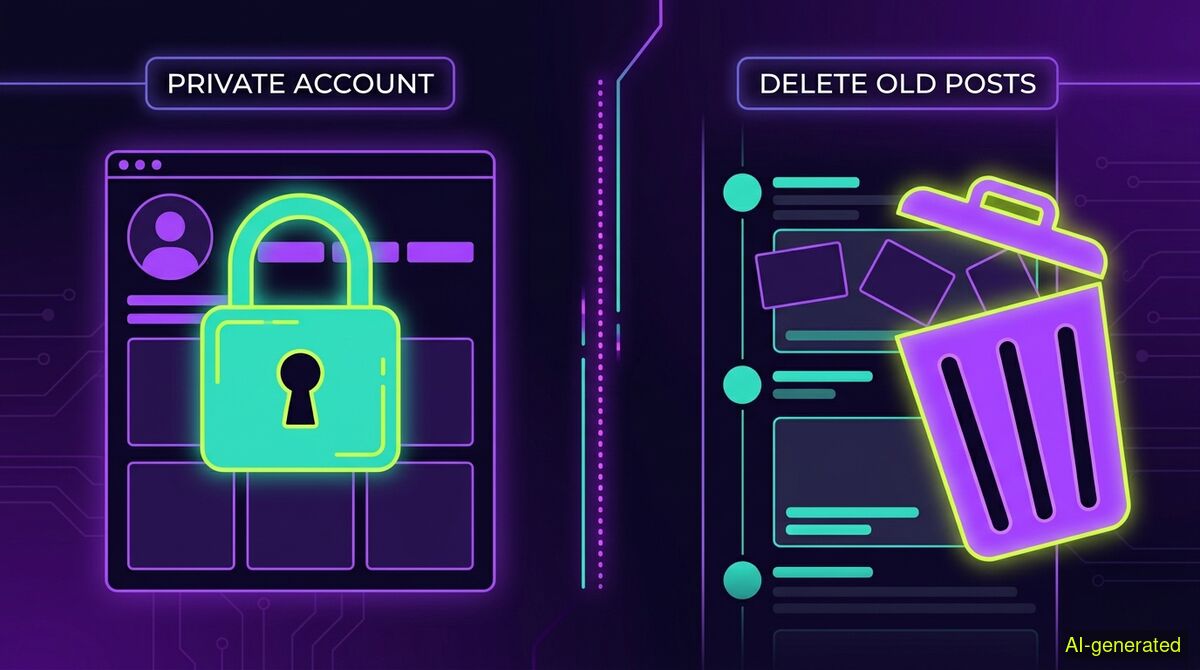
AI-generated illustration. A split screen showing a padlock icon over a social media profile on the left and a trash can icon over a timeline on the right.
Making your account private restricts new visitors from seeing your timeline, while deleting posts removes the content from the platform entirely. Neither action deletes screenshots saved by other users or data already scraped by data brokers. Choose privacy to control your current audience, and choose deletion to reduce your permanent digital footprint.
When you look back at a decade of your own thoughts sitting on a public timeline, the urge to hide them usually hits quickly. The immediate question is whether you should delete posts or go private. Both options feel like a step toward security, but they operate on completely different mechanical levels. One changes who is allowed to look at your profile today, while the other removes the underlying data from the platform's active database.
People often treat these two actions interchangeably. They assume that locking an account achieves the same result as scrubbing a timeline. This confusion creates a false sense of security, leaving users exposed to risks they thought they had mitigated. Understanding the technical reality behind these two buttons is the only way to effectively manage your digital footprint.
Switching your profile from public to private is an exercise in access control. It places a gate in front of your content, requiring you to manually approve anyone who wants to view your timeline, your replies, or your media.
However, a private account is not a cloak of invisibility. As TechGrid Media noted in their 2026 analysis, social platforms rely on technical models of privacy that often clash with how users perceive them. Researchers Alice Marwick and danah boyd have documented this gap extensively. When you go private, you are only changing the visibility rules for the general public. You are not changing what the platform itself knows about you.
Furthermore, going private does nothing to restrict your existing audience. Every person who already follows you retains full access to your entire history. If a current follower searches your old posts, screenshots them, or shares them in a private group chat, your account lock will not stop them. The platform also continues to use your private posts to map your interests, train recommendation algorithms, and serve targeted advertisements.
Deleting a post is an act of data removal. When you press delete, you instruct the platform to remove that specific entry from its active, user-facing database. The post disappears from your timeline, it vanishes from search results, and it is no longer accessible via its direct URL.
This action is irreversible across all major social networks. Once a post is deleted, you cannot restore it. But while the platform removes the post from public view, the internet has a long memory. As CypherpunkGuide highlighted in a 2026 report on digital footprints, deleting a post only hides it from the platform's live interface. It does not erase the text from third-party caches, data broker archives, or the massive datasets already scraped to train artificial intelligence models.
If you are deleting content to clear your name from a search engine, you must also wait for the search engine to crawl the dead link and update its index. Deletion removes the source file, but it cannot chase down every copy that has already left the building.
There is a fundamental limitation to both privacy settings and deletion tools: neither can control what happens after content renders on someone else's screen.
If you post a controversial opinion, a sensitive photograph, or a poorly phrased joke, anyone viewing it can save a local copy. A screenshot exists entirely outside the jurisdiction of X or Instagram. If you make your account private five minutes later, the screenshot remains. If you delete the post entirely, the screenshot remains.
This is the core difference between visibility and existence. Going private stops new people from taking screenshots today. Deleting posts ensures no one can take screenshots tomorrow. But neither action can rewrite the past.
If you decide that deletion is the right path, the next hurdle is the sheer volume of content. Platforms are designed for frictionless publishing, not frictionless removal. Manual deletion requires you to click through menus for every single item you want to remove. For an account with thousands of posts, replies, and likes, doing this by hand is not practical.
This is where third-party tools enter the picture. There are many services designed to automate the deletion process, such as TweetDelete and similar cloud-based applications. These tools typically ask you to log in via OAuth, granting them standing permission to access your account via the platform's API. Because they hold these permissions, they can run on their own servers, allowing them to delete posts on a schedule or while you are away from your computer.
We built the wyper Social Cleanup Chrome extension to offer a different technical approach. Rather than asking for API keys or OAuth access, the extension runs entirely locally within your browser. It uses only standard browser permissions to act within the tab you already have open, logged in as yourself.
Because we never ask for your account keys, we cannot delete posts on a schedule, and we cannot run while you are away. No open tab means no execution. This is a deliberate trade-off: competing services offer background scheduling precisely because you gave them the keys to your account, while we require your active presence because we refuse to hold that access.
The extension works on X and Instagram, allowing you to clear posts, replies, comments, likes, retweets, and followers. It uses a keyword filter, meaning you can instruct it to delete only items containing a specific word, a @username, or a #hashtag. You can also stack multiple keywords separated by commas, or use an invert option to delete everything that does not contain your chosen keywords. It does not include a date filter or a date range option. If you want to delete items based on when they were posted, the honest answer is that you cannot do so with our tool.
The free tier allows 50 deletions per day, while the Pro tier removes this limit and provides a shareable deletion receipt containing numeric counts. Because large cleanup runs take time, the extension includes small browser games to play while it works through the list. There is no export function, so you cannot download your content through the tool before it is irreversibly removed.
| Feature | Manual cleanup | wyper Social Cleanup extension |
|---|---|---|
| Cost | Free | Free tier (50/day), paid Pro tier |
| Access required | Your own browser session | Your own browser session |
| Account credentials | None given to third parties | None given to third parties |
| Keyword filtering | Read and find manually | Built-in (words, @names, #tags) |
| Background scheduling | No | No (requires active tab) |
Who needs which: Manual cleanup is best for users who only need to remove a handful of recent, specific posts and have the time to click through their timeline. The wyper Social Cleanup extension is designed for users who need to clear hundreds or thousands of old posts, replies, or likes based on specific keywords, but who refuse to hand over permanent OAuth account access to a third-party server.
Choosing between privacy and deletion comes down to your primary goal. If your goal is audience control, going private is the correct choice. It allows you to maintain your digital history while restricting access to a vetted list of followers. This is often the best route for personal accounts shared only with family and friends.
If your goal is surface area reduction, deletion is the necessary step. Every public post is a data point. When combined, these data points allow observers to map your routines, your professional history, and your personal connections. If you are entering a new career phase, stepping into a public-facing role, or simply tired of hosting a permanent archive of your past thoughts, removing the content is safer than hiding it behind a lock.
For maximum security, you do not have to choose just one. You can switch your account to private to stop the immediate influx of new observers, and then systematically delete the historical content you no longer want attached to your name.
Going private acts as a door lock that controls who can view your profile today, while deleting posts permanently removes the data from the platform. Neither method can erase screenshots saved by other users or data already collected by archives. For the strongest protection, you should delete the content you no longer stand by and lock the account to control who sees what remains.
The wyper Social Cleanup extension bulk-deletes posts, replies and likes, with filters instead of one tap per post.
The web app installs to your home screen in one tap. No store, no account.
Already using it? ★★★★★ Rate it on the Chrome Web Store. Reviews decide what others get shown first.
 wyper
wyper