Learn how to verify altered political speeches and recycled video clips using provenance data, earliest appearance checks, and source tracking.
This article was researched and drafted with AI, then checked and released by a person before it went live. The illustration is AI-generated. Every factual claim links to its source, so you can verify it yourself.
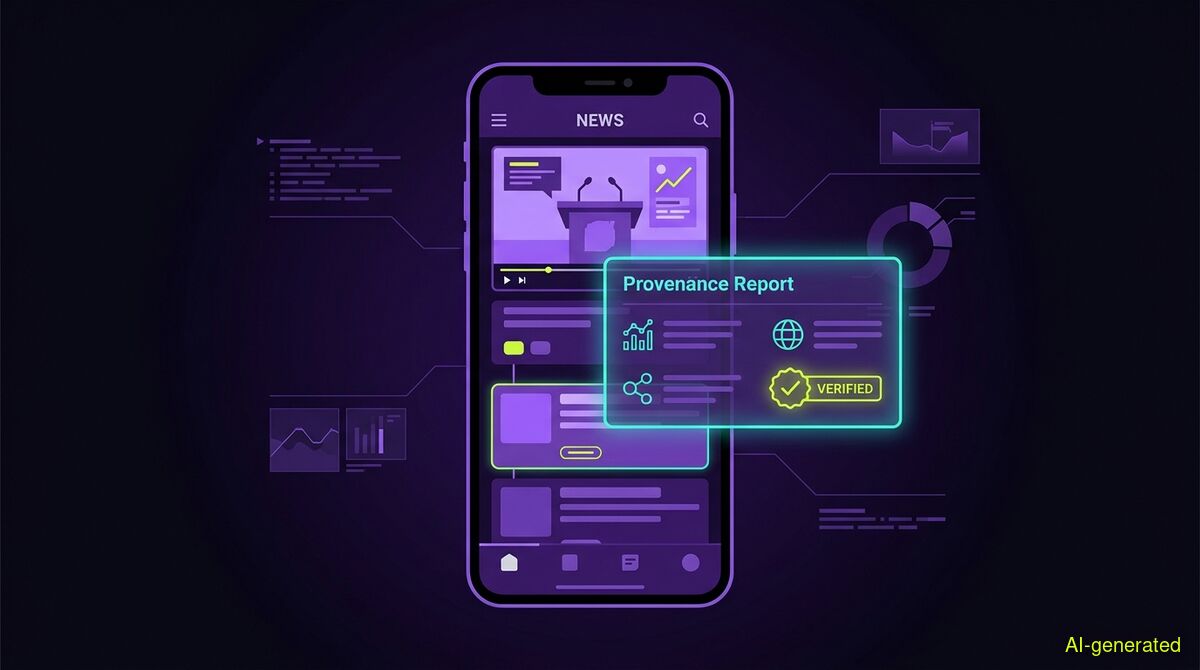
AI-generated illustration. A phone screen displaying a news timeline with a video player and a provenance report overlay.
You can verify a viral speech video by checking its earliest publication date and reading the original transcript. Misinformation often relies on replacing the audio track of a real event or relabelling old footage to match a breaking news cycle.
In September 2026, a video began circulating on social media that appeared to show Parvathaneni Harish, India's Permanent Representative to the United Nations, defending arms supplies to Israel during a UN Security Council meeting. The clip looked authentic at first glance. However, as Organiser reported, the video was actually an AI-generated audio track overlaid onto genuine footage of the envoy speaking about an entirely different topic.
This type of manipulation is becoming a standard tactic in online misinformation. Just days earlier, Newschecker investigated a different clip that supposedly showed an Indian Ministry of External Affairs spokesperson answering questions about a viral snacking incident at the BRICS summit. That video was also a digital alteration of a routine press briefing.
While altered audio is a growing problem, the most common form of video deception requires no AI at all. It relies purely on false context. For example, Newschecker also documented a massive fire video that was widely shared with claims it showed a Ukrainian drone attack on a Russian oil refinery. The footage actually depicted a commercial fire in Egypt from months earlier. In another recent case, a video claiming to show a Paris butcher arrested for selling human meat was simply a January 2026 clip from a Dubai grocery store, according to a Lead Stories investigation.
When you encounter a sensational video on your feed, you need a reliable way to verify its origin. The tools and methods you use matter, and understanding their limits will save you from drawing false conclusions.
When people suspect a video is altered, they often look for visual glitches or run the file through tools that promise to detect AI generation based on pixel patterns. We do not use this method. An AI-text or AI-pixel detector outputs a percentage of how suspicious something looks, and that number is exactly the kind of harm we exist to prevent. It provides a guess rather than evidence. Furthermore, a pixel detector cannot see when old, entirely real footage has been relabelled as a new event.
Instead of guessing, verification requires a provenance report. The AI Spotter feature in wyper approaches video verification by looking for concrete data. It takes still frames from the video and searches each one separately across the internet. A hit on any frame is a hit on the video. What carries the weight for video verification is earliest appearance plus the event-versus-post date gap. If a video claiming to show a drone attack in September 2026 existed on the internet in July 2026, the claim is false. That is what catches the most common real video deception.
The AI Spotter also checks for content credentials using the C2PA standard, verifying them against 55 official trust anchors. However, you must understand how platforms handle this data. A content credential sits in its own box beside the picture data. Any repackaging drops it, including a lossless upload that leaves every pixel untouched. Social media platforms repackage files on upload. Therefore, on a video taken off a feed, that layer will almost always find nothing. That missing credential is the normal case, not a suspicion. The report will tell you exactly this, and we advise checking the original file instead where the signature might still be intact.
When you want to verify the actual claims made in a video, the text fact-check process takes over. If the video has reachable subtitles, the tool reads them. When subtitles are not reachable, an AI model actually watches the video within a specific time window. The free tier covers up to 10 minutes on YouTube and 2 minutes on X. The Pro tier covers 30 minutes on YouTube and 7 minutes on X. Longer videos are refused outright rather than being partially checked.
You can test this yourself using the free wyper web app to check a text claim or a short video link. The web app cannot see your YouTube session, so subtitles are often unavailable there. The extension runs directly in your browser and can reach more data, but for videos on X, both take the exact same route.
Once the claims are extracted, the standard check uses a Dual-AI cross-check. This pairs Gemini with Grok, and Grok searches the internet for itself to build the evidence chain. The two models do not share one evidence set. This ensures the models pull from different search results to verify the claim.
In our Full Spectrum deepening, the process shifts. This tier uses Triple-AI reading: three models, one evidence set. The third voice does not search the internet at all. It receives exactly the sources the main model received and reads them independently. If a disagreement happens here, it is a different reading of the exact same material, not a different search result.
A fact-check is only as good as its sources. We never filter sources by origin. There is no mainstream bonus and no preference for official sources. The tool provides a truth score from 1 to 10 along with an evidence chain of real, linked sources. The truth score is not proof of trustworthiness, and the tool never judges intent. Both of those responsibilities stay with the reader.
We rely on published measurements to track performance. In a recent test of 633 real citations re-fetched, we found that 73 percent of the quotes were verbatim on the page. Another 19 percent of the pages were unreachable for automated readers due to 403 errors, PDFs, or paywalls, and 6.4 percent were not findable.
When testing source reach across 24 claims with the root named in advance, the tool reached primary sources 63 percent of the time and legacy media 14 percent of the time. Fact-checkers made up just 1 percent of the sources, and all six non-English roots were successfully reached.
We also measured how models agree. Across 30 claims with frozen sources, Gemini and Grok agreed in 29 out of 29 cases, even on deliberately contested claims. Because two models trained on overlapping text are correlated, we found that confirmation by two models carries little new information. However, a third model of different origin disagreed in 3 of 26 cases, and every time it did so with a machine-verified quote. This independent reading is the strongest verification method we have.
All disputes regarding the evidence are recorded in a public dispute register. This register is append-only and hash-chained, meaning entries cannot be silently edited or removed by anyone.
| Manual checks | wyper web app | wyper extension |
|---|---|---|
| Free, requires no installation | Free text checks, paid AI Spotter | Free tier available for text checks |
| Data stays entirely in your browser | Requires pasting a URL | Operates directly in your active tab |
| Manual reverse image search is slow | Extracts and searches video frames | Can reach subtitles on YouTube |
| Reader must compile all sources | Standard Dual-AI cross-check | Standard Dual-AI cross-check |
Who needs which: Casual readers who want to verify a suspicious headline or a short clip on their phone should use the web app for a quick, no-install check. Researchers, journalists, and users who frequently watch long-form YouTube content or need to verify claims inside their logged-in sessions should install the browser extension. Those who require deep provenance reports on images or video frames will need the AI Spotter, which operates on a paid credit system because it calls three paid services on every single run.
Verifying a viral speech or a shocking event video requires tracing the footage back to its earliest appearance online. By checking the event-versus-post date gap and reading the original transcripts, you can bypass the guesswork of pixel detectors. Run the source links yourself, read the evidence chain, and share your verified results to help stop the spread of recycled claims.
The wyper Fact-Check extension runs these checks on the post itself: truth score, evidence chain, and the date gap that catches recycled footage.
The web app installs to your home screen in one tap. No store, no account.
Already using it? ★★★★★ Rate it on the Chrome Web Store. Reviews decide what others get shown first.
 wyper
wyper