Screenshots are easily faked and carry no inherent proof. Learn how to verify a screenshot using source checks, metadata and text fact-checking workflows.
This article was researched and drafted with AI, then checked and released by a person before it went live. The illustration is AI-generated. Every factual claim links to its source, so you can verify it yourself.
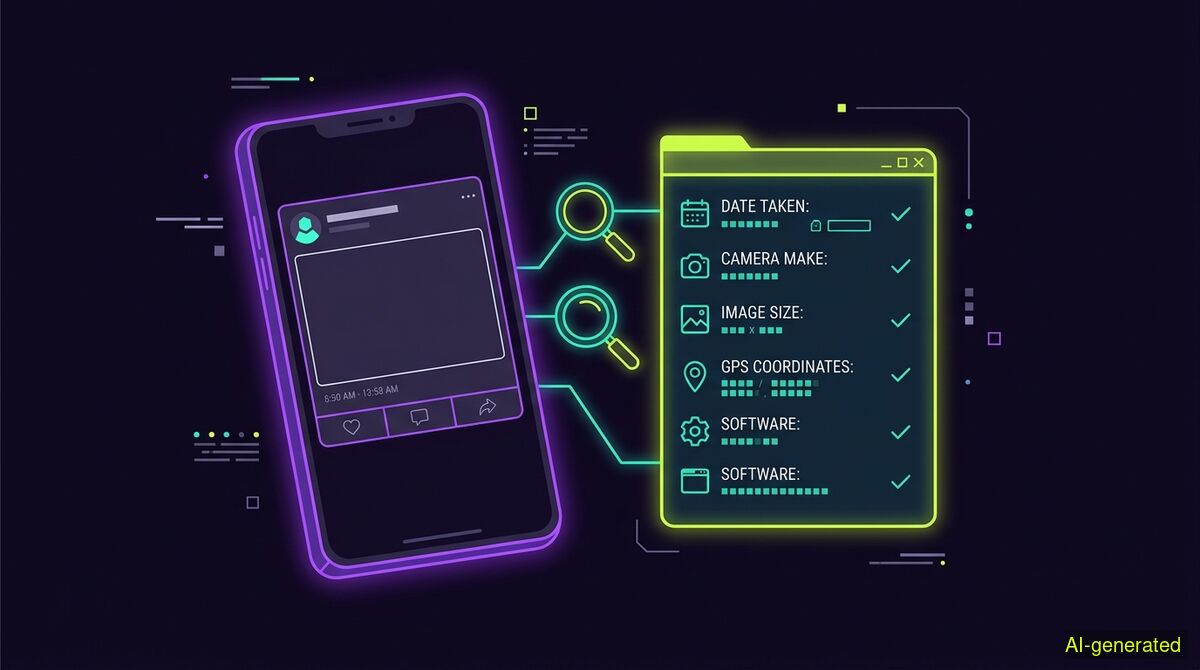
AI-generated illustration. A phone screen displaying a social media post next to a digital metadata report on a dark background.
To verify a screenshot, you must trace its origin and fact-check the text it contains. Because a screenshot is merely a flat image, it carries no inherent proof of authenticity and can be fabricated in seconds. Reliable verification relies on reverse image searches, checking content credentials, and confirming the actual claims shown.
People often ask how to verify a screenshot when a shocking post or an inflammatory text message goes viral. The uncomfortable truth is that a screenshot is not evidence. It is merely a flat picture of a screen. Anyone can fabricate one in minutes without touching a complex photo editing program. Because modern fake generators replicate system fonts, bubble colours and status bars perfectly, visual inspection is rarely enough. To find out if the image you are looking at is real, you have to look beyond the pixels and investigate the context.
Screenshots strip away the very things that make digital information verifiable. When you look at a live webpage or an app, your browser receives code, timestamps, server certificates and interactive elements. A screenshot flattens all of that rich data into a grid of coloured squares. As Burgess Forensics notes, screenshots rarely meet strict evidentiary standards because they do not inherently prove when the content was created, who created it or whether it was altered after the fact.
This problem is accelerating due to dedicated mockup tools. You no longer need advanced graphic design skills to create a fake tweet, a deceptive email or a fabricated text message. Web-based generators now produce pixel-perfect replicas of iOS, Android and major social media interfaces. The impact is highly measurable in legal and professional disputes. A 2025 study by the Digital Evidence Institute, cited by ScreenshotEdits, found that 23 percent of digital evidence challenges in US civil courts now involve questions about screenshot authenticity. That number is up from just 8 percent in 2022.
The first step in verification is finding the source. If a screenshot claims to show a post by a public figure, go directly to their actual profile. Use the platform search function to look for exact phrases from the image. If the post is missing, do not immediately assume it was deleted. Fabricators rely heavily on the deletion excuse to explain why a shocking post cannot be found online.
Reverse image search engines can help you find the earliest appearance of the picture. If the image only appears on meme pages or highly partisan accounts, and never in the archives of the alleged author, that is a strong indicator of a fake. You can run the image through the free wyper web app to extract the text and check the claims directly. Our AI Spotter tool, available strictly on paid plans within the web app, automates the reverse search process. It looks for the earliest documented publication of the image to help you establish a timeline. For video files, the AI Spotter takes still frames and searches each one separately. A hit on any single frame counts as a hit on the entire video. This is crucial because the most common real video deception involves old footage relabelled as new. A pixel detector cannot see that context at all.
Digital photos usually carry Exif metadata detailing the camera model, date and time. Screenshots taken on a phone often include similar data. However, social media platforms strip this metadata the moment an image is uploaded to protect user privacy and save storage space. If you download a screenshot from X or Instagram, the metadata will tell you when you downloaded it, not when the image was actually created.
A newer standard called C2PA aims to solve this by attaching cryptographically signed content credentials to files. When intact, these credentials prove where an image came from and whether AI tools were involved. The wyper AI Spotter checks images against 55 official trust anchors, because only a trusted signature counts. A merely valid signature can be self-signed by anyone.
But there is a significant catch with content credentials. A content credential sits in its own box beside the picture data. Any repackaging drops it entirely. This includes lossless repackaging that leaves every single pixel untouched. Because platforms repackage almost every upload, finding no C2PA data on a social media screenshot is the normal case. It is not a suspicion. The AI Spotter report explicitly states this. Whenever possible, advise people to check the original file where the signature might still be intact.
Because screenshots are so easily manipulated visually, the most reliable way to verify them is to fact-check the information they contain. Treat the screenshot as a text claim, not a visual source. If an image shows a news headline, search for the headline on the news outlet's actual website. If it shows a statistic, look up the primary data.
This is where the wyper Fact-Check extension excels. It reads the text inside the post where you find it and runs a Dual-AI cross-check using Gemini and Grok. Grok searches for its own sources during this process, meaning the two models do not share one evidence set. The tool returns a truth score from 1 to 10 along with an evidence chain of real, linked sources. Sources are never filtered by origin. There is no mainstream bonus, and official sources are not preferred. The reader alone decides what to trust. In our published measurements, wyper reaches primary sources 63 percent of the time, and legacy media 14 percent of the time.
If you use our paid Full Spectrum check, a Triple-AI reading occurs. Three models read one evidence set. The third voice does not search. It receives exactly the sources the main model received and reads them independently. A disagreement here is a different reading of the same material, not a different search result. In our testing of 30 claims with frozen sources, Gemini and Grok agreed in 29 of 29 cases. Two models trained on overlapping text are correlated, not independent. But a third model of different origin disagreed in 3 of 26 cases, every time with a machine-verified quote. This independent verification is the strongest signal we have against a false consensus.
Researchers have attempted to automate the detection of fabricated social media posts for years. A 2026 study published in Discover Computing highlights frameworks that integrate textual and visual features to catch deceptive posts. But for everyday users, a combination of manual searching and dedicated fact-checking tools provides the most practical defence.
| Manual checks | wyper web app | wyper extension | |
|---|---|---|---|
| Cost | Free | Free tier available | Free tier available |
| Setup | Nothing installed | Nothing installed, no signup | Chrome extension required |
| Text fact-checking | Requires manual web search | Yes (extracts and checks claims) | Yes (checks claims directly on page) |
| AI Spotter (Provenance) | Requires multiple separate tools | Yes (paid feature, 1 credit per image) | Not available |
| Privacy | No data leaves the browser | Data processed on secure servers | Runs in your active tab |
Who needs which: Casual readers who want to quickly verify a suspicious screenshot without installing anything should use manual checks or the wyper web app. The web app is ideal for pasting a downloaded image to extract and fact-check the text. Journalists and researchers who constantly encounter questionable images in their feeds will benefit from the wyper extension, which layers fact-checking directly over the social media timeline where the screenshots appear. Those needing deep provenance reports, including C2PA checks and earliest publication dates, should use the AI Spotter within the web app.
Screenshots are flat images that carry no inherent proof of authenticity and can be fabricated in minutes. To verify a screenshot, you must look past the pixels and investigate the claims in the text using reverse searches and primary sources. Tools like wyper can automate the fact-checking process, but the final judgment on whether to trust an image remains with you.
The wyper Fact-Check extension runs these checks on the post itself: truth score, evidence chain, and the date gap that catches recycled footage.
The web app installs to your home screen in one tap. No store, no account.
Already using it? ★★★★★ Rate it on the Chrome Web Store. Reviews decide what others get shown first.
 wyper
wyper