Learn how to verify synthetic videos and text hoaxes during breaking news events, using the November 2026 FAA outage as a practical example.
This article was researched and drafted with AI, then checked and released by a person before it went live. The illustration is AI-generated. Every factual claim links to its source, so you can verify it yourself.
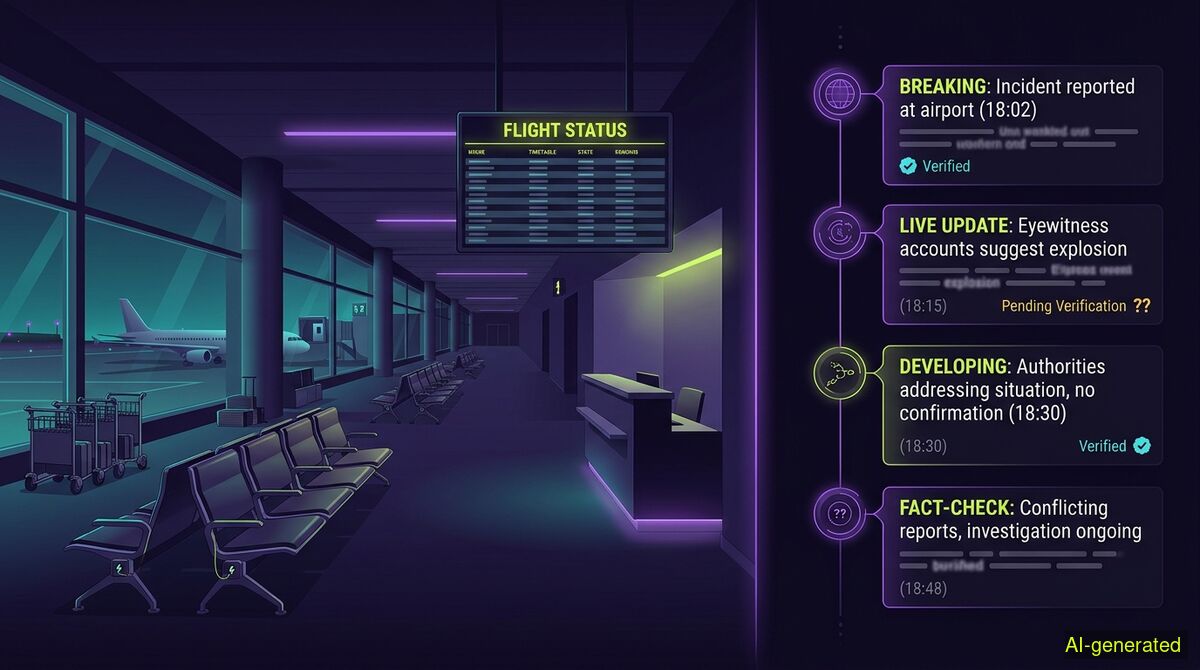
AI-generated illustration. A split screen showing an empty airport terminal on the left and a timeline of text alerts on the right.
You verify breaking news claims by tracing the earliest publication date, checking image provenance layers, and comparing text claims against primary sources. Breaking news events act as magnets for engagement farming, meaning both synthetic videos and fabricated text hoaxes often spike within hours of a genuine crisis.
On November 13, 2026, the Federal Aviation Administration grounded all flights in the United States. Within hours, social media feeds were flooded with claims about the nationwide outage. Some of these posts were genuine updates from stranded passengers. Many others were fabricated entirely. A major breaking news event acts as a magnet for engagement farmers, who use the sudden spike in search traffic to push synthetic videos and recycled hoaxes.
Global Fact-Checking Network Vice President Daniil Bisslinger noted that manual verification alone is no longer enough to handle the flood of AI-generated misinformation. With the advent of neural networks, content production has become incredibly cheap and fast. When a crisis hits, bad actors do not need to wait for real footage to emerge. They can generate it on demand or recycle old clips to fit the current narrative. Verifying these claims requires treating every viral post as a set of separate, testable questions.
During the FAA ground stop, a viral video claimed to show the immediate aftermath at a US airport. The clip depicted dozens of people sleeping on the floor in a dimly lit terminal. As Lead Stories reported, the footage was not real. It was generated by artificial intelligence and contained multiple visual inconsistencies that would not be found in real footage.
When a video like this goes viral, you have to write down the exact claim first. As a verification guide from RELTY advises, noting the place, the date, and the event gives you specific elements to test. Then you must trace the earliest publication date.
The wyper AI Spotter provides a provenance report for videos like this. It is important to note that this feature is not in the free tier for images or video. It costs 4 credits per video on paid plans because a provenance report calls three paid services on every single run. The AI Spotter is a provenance report, never a detector. It never outputs a percentage of how artificial a clip looks, because that number is the harm we exist to prevent. Instead, it checks content credentials (C2PA), file metadata, reverse image searches, earliest documented publication, and quote verification. For video, it takes still frames and searches each one separately. A hit on any frame is a hit on the video.
It is vital to understand how content credentials behave online. A C2PA signature sits in its own box beside the picture data. Any repackaging drops it entirely, including a lossless compression that leaves every pixel untouched. Because social media platforms repackage files upon upload, that layer will almost always find nothing on a video taken off a feed. That is the normal case, not a suspicion. The report says so directly, advising users to check the original file instead. What carries the weight for video is the earliest appearance plus the event-versus-post date gap. This catches the most common real video deception, which is old footage relabelled as new. A pixel detector cannot see that context at all.
The FAA outage also spawned purely text-based hoaxes. As the Hindustan Times documented, multiple posts falsely claimed that Donald Trump and top White House officials had been moved to a secure bunker due to a potential threat. Far-right commentator Alex Jones amplified the claim, suggesting a cyberattack was underway.
Text claims require a different verification approach. You need to cross-reference the assertion with primary sources and official statements. The standard wyper fact-check handles this by returning a truth score of 1 to 10 alongside an evidence chain of real, linked sources. This text check uses a Dual-AI cross-check featuring Gemini plus Grok. Grok searches for itself during this process, so the two models do not share one evidence set. The text fact-check remains free for up to five runs a day.
Our own published measurements provide a clear picture of how automated readers handle evidence. In a test of 633 real citations that were re-fetched, 73 percent were found verbatim on the page. However, 19 percent of pages were unreachable for automated readers due to 403 errors, PDFs, or paywalls, and 6.4 percent were not findable. This is why the evidence chain matters: if the automated reader is blocked, you can click the link and read the source yourself. Furthermore, in a test of 24 claims with the root named in advance, the tool reached 63 percent primary sources, 14 percent legacy media, and 1 percent fact-checkers. All six non-English roots were reached successfully. Sources are never filtered by origin. There is no mainstream bonus and no preference for official sources. The reader decides what to trust.
Two models trained on overlapping internet text are correlated, not independent. Our measurements show that Gemini and Grok agreed in 29 of 29 test claims using frozen sources, even on deliberately contested topics. Therefore, confirmation by two AIs carries little information.
For Full Spectrum checks only, the system applies a Triple-AI reading: three models, one evidence set. The third voice does not search. It receives exactly the sources the main model received and reads them independently. A disagreement is a different reading of the same material, not a different search result. A third model of different origin disagreed in 3 of 26 tests, every time with a machine-verified quote. You will never see the Triple-AI process run on the standard check, as it lives only in the deepening.
When you encounter a suspicious post during a breaking news cycle, you should first preserve the visible context. As Grabfy recommends for video evidence, noting the account name and the timestamp is critical before collecting material.
Once you have the claim, you can run the text through the free wyper web app directly in your browser without creating an account. If you prefer to check posts exactly where you read them, the Chrome extension runs in the tab you already have open.
When checking a video for spoken claims, the extension uses subtitles when they are reachable. When they are not, an AI model actually watches the video within a set time window. On YouTube, this covers 10 minutes for free users and 30 minutes for Pro users. For videos on X, the system processes up to 2 minutes on the free tier and 7 minutes on Pro. Longer videos on X are refused outright, meaning they are not partially checked. The web app cannot see your active YouTube session, so subtitles are often unavailable there. The extension runs in your logged-in browser and can reach more subtitle data. For platforms like X, both take the same route. The system does not run deepfake pixel forensics during this step, and it never judges intent.
| Manual checks | wyper web app | wyper extension |
|---|---|---|
| You build your own evidence chain by searching primary sources. | Returns a truth score (1-10) with an evidence chain of linked sources. | Returns a truth score (1-10) with an evidence chain of linked sources. |
| Completely free, but requires significant time and research skills. | Text checks have a free tier (5 a day, no account). | Text checks have a free tier (5 a day, no account). |
| Video C2PA and metadata must be checked with external forensic tools. | AI Spotter for images and video is on paid plans only. | AI Spotter for images and video is on paid plans only. |
| You can manually read YouTube transcripts if the creator enabled them. | Cannot see your YouTube session, so subtitles are often unavailable. | Runs in your browser and can reach more subtitle data. |
| Data never leaves your browser unless you submit it to a search engine. | Requires no installation, running entirely in your browser window. | Requires installation, operating directly in the tab you already have open. |
Who needs which: News consumers who occasionally want to verify a suspicious text claim without installing software should use the web app. Researchers and journalists who spend hours on social media platforms and need to evaluate claims directly in their feeds will benefit from the extension. Those who prefer maximum privacy and have the time to trace primary sources themselves should stick to manual checks.
Breaking news events attract synthetic videos and text hoaxes that exploit the chaos. You can verify these claims by tracing their earliest publication date and cross-referencing text against primary sources. Whether you search manually or use an automated tool, the final judgment about intent and truth always remains with you.
The wyper Fact-Check extension runs these checks on the post itself: truth score, evidence chain, and the date gap that catches recycled footage.
The web app installs to your home screen in one tap. No store, no account.
Already using it? ★★★★★ Rate it on the Chrome Web Store. Reviews decide what others get shown first.
 wyper