Learn how to check if a viral video is AI-generated or old footage recycled out of context, using the recent Flydubai flight incident as a guide.
This article was researched and drafted with AI, then checked and released by a person before it went live. The illustration is AI-generated. Every factual claim links to its source, so you can verify it yourself.
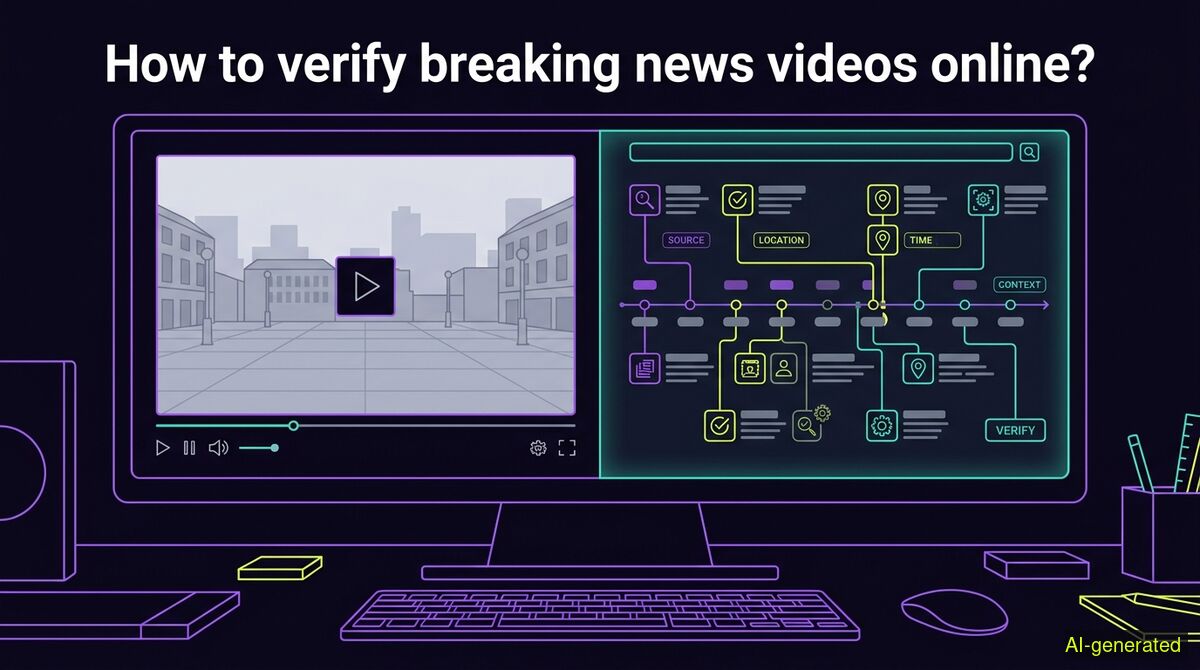
AI-generated illustration. A split computer screen showing a video player on one side and a timeline of search results on the other.
You verify a breaking news video by checking its earliest documented publication date and content credentials, rather than looking for visual glitches. Old, recycled footage is more common than AI generation and requires reverse searching key frames to find the original context.
When a major aviation incident occurs, social media feeds immediately fill with dramatic footage. Some of it is genuine, but much of it is fabricated or deliberately misrepresented. The recent mid-air emergency aboard a Tel Aviv-bound flight provides a perfect case study in how quickly false visual evidence can spread.
As ABC News reported, false narratives and fake videos circulated widely in the hours following the incident aboard flydubai flight FZ1073. To verify breaking news claims in the first hours of an event, you need a systematic approach that separates entirely fabricated content from real footage presented with a false context.
During the FZ1073 incident, two distinct pieces of video misinformation went viral. Understanding how they were made reveals exactly what you need to look for when verifying footage.
The first was a news broadcast appearing to show a BBC presenter discussing the event. The clip claimed that an Indian passenger was behind the attempted hijacking and linked him to a stabbed pilot. France 24 confirmed that this video was an AI-generated deepfake. The BBC never broadcast the report, and both the footage and the audio were doctored to match the geopolitical tensions surrounding the flight path.
The second video was even more convincing because the footage itself was real. It showed a co-pilot shouting threats and causing a scene. However, India Today debunked the clip by proving it was actually recorded in July 2025 aboard an easyJet flight between London and Glasgow. The video showed a completely different person in a different year, but the dramatic nature of the clip made people share it without questioning its origin.
As a 2026 guide points out, reusing real footage with a false caption is one of the simplest and most effective ways to mislead people online. A genuine video can still deceive you if the date, location or context is fabricated.
People often assume they can spot a fake video by looking for strange pixel artifacts, unnatural blinking or weird background details. This approach is outdated. Generation models have improved to the point where casual visual inspection is no longer reliable. More importantly, looking for AI glitches does absolutely nothing to help you spot real footage that has been recycled out of context.
Instead of looking at the pixels, you have to look at the provenance. Provenance means the history of the file: where it came from, when it was first published and what metadata it carries.
When you encounter a suspicious video, the most reliable verification method is to check its earliest appearance online and the gap between the claimed event date and the post date. If a video claiming to show a flight diversion today was actually uploaded to a forum three years ago, the pixels do not matter. The context is false.
Tracing a video manually requires taking still frames from the clip and running each one through reverse image search engines. This helps you locate the earliest documented publication of the footage.
For automated assistance, the AI Spotter tool provides a detailed provenance report. It is important to understand that this is a provenance report, never a detector. It never outputs a percentage of how "AI-ish" something looks, because assigning a suspicion score is exactly the harm fact-checking exists to prevent. For video, the tool takes still frames and searches each one separately. A hit on any frame is a hit on the video.
The AI Spotter also checks for content credentials, such as C2PA signatures, verifying them against 55 official trust anchors. A signature only counts if it is trusted, as a merely valid one can be self-signed.
You must keep platform mechanics in mind when looking for these credentials. A content credential sits in its own box beside the picture data. Any repackaging drops it, including a lossless compression that leaves every pixel untouched. Because social platforms automatically repackage files on upload, a video taken off a feed will almost always return nothing in the signature layer. That is the normal case, not a suspicion of tampering. The report states this clearly. To find an intact signature, you always need to check the original file.
Videos rarely travel alone. They are usually packaged with text claims, statistics or quotes designed to provoke an emotional reaction. You can fact-check these accompanying text claims using the free wyper web app directly in your browser.
When checking text claims, the system fetches real, linked sources. Our published measurements show the reliability of this evidence retrieval. In quote checking tests where 633 real citations were re-fetched, 73 percent were found verbatim on the page. Another 19 percent of pages were unreachable for automated readers due to paywalls or PDF formats, and 6.4 percent were not findable.
The sources retrieved are not filtered by origin. There is no mainstream bonus and official sources are not artificially preferred. In a test of 24 claims with the root named in advance, the tool reached primary sources 63 percent of the time, legacy media 14 percent of the time and fact-checkers 1 percent of the time. All six non-English roots were successfully reached.
When dealing with video content directly, the checking mechanism adapts to the platform. If subtitles are reachable, the system uses them. When they are not, an AI model actually watches the video within a specific time window. For X videos, both the extension and the web app can check up to 2 minutes on the free tier and 7 minutes on Pro. Longer videos on X are refused outright rather than partially checked. For YouTube, the free tier covers 10 minutes, while Pro covers 30 minutes. The web app cannot see your YouTube session, meaning subtitles are often unavailable there. The extension runs in your browser and can reach more context.
| Feature | Manual checks | wyper web app | wyper extension |
|---|---|---|---|
| Text fact-checking cost | Free via search engines | Free tier available | Free tier available |
| Video subtitle reading | Manual transcription | Yes, where accessible | Yes, broader reach on YouTube |
| AI video watching limit | None | Free 2m on X, 10m YouTube | Free 2m on X, 10m YouTube |
| Video provenance (AI Spotter) | Reverse image search | Paid plans only (4 credits/run) | Paid plans only (4 credits/run) |
| Data privacy | Data shared with search engine | No install, no signup | Runs entirely in your active tab |
Who needs which: Casual readers who want to quickly verify a text claim or a news headline should use the web app, as it requires no installation and provides instant access to the free tier. Heavy social media users who regularly encounter unverified videos on X or YouTube benefit from the extension, which reads subtitles directly from your active browser session. Investigative researchers dealing with suspected deepfakes will need the paid AI Spotter available in both tools to run multi-layered provenance checks on video frames.
Retrieving sources is only the first step. The system must then read those sources to evaluate the claim. The standard check uses a Dual-AI cross-check powered by Gemini and Grok. Grok searches for itself during this process, ensuring the two models do not share a single initial evidence set.
Our internal testing shows that two models trained on overlapping text are highly correlated. In a test of 30 claims using frozen sources, Gemini and Grok agreed in 29 out of 29 cases, even on deliberately contested claims. Because they are not truly independent, confirmation by two AIs carries little unique information.
For complex claims, users can run a deepening check called Full Spectrum. This option uses a Triple-AI reading: three models, one evidence set. The third voice does not search at all. It receives exactly the sources the main model received and reads them independently. A disagreement here represents a different reading of the same material, not a different search result. When we tested this, the third model of different origin disagreed in 3 of 26 cases, providing a machine-verified quote every single time.
No tool can tell you the absolute truth, and no tool can judge why someone posted a specific video. A truth score of 1-10 is a summary of the available evidence, never a proof of trustworthiness. The tool does not run deepfake pixel forensics and it does not judge intent. Both of those responsibilities stay with the reader.
Transparency is built into the process. The platform maintains a public dispute register for contested checks. This register is append-only and hash-chained, meaning entries cannot be silently edited or removed by anyone. You can see exactly what evidence was found and how it was interpreted, allowing you to make up your own mind about the viral videos in your feed.
Verifying breaking news videos requires checking their earliest publication date and original context, not just looking for AI glitches. Recycled footage is a far more common deception tactic than fully generated deepfakes. By using tools to trace provenance and read evidence, you can stop false claims before sharing them.
The wyper Fact-Check extension runs these checks on the post itself: truth score, evidence chain, and the date gap that catches recycled footage.
The web app installs to your home screen in one tap. No store, no account.
Already using it? ★★★★★ Rate it on the Chrome Web Store. Reviews decide what others get shown first.
 wyper
wyper