Learn how to verify celebrity endorsement videos during the midterms, trace original clips, and check if a political video is a voice clone or deepfake.
This article was researched and drafted with AI, then checked and released by a person before it went live. The illustration is AI-generated. Every factual claim links to its source, so you can verify it yourself.
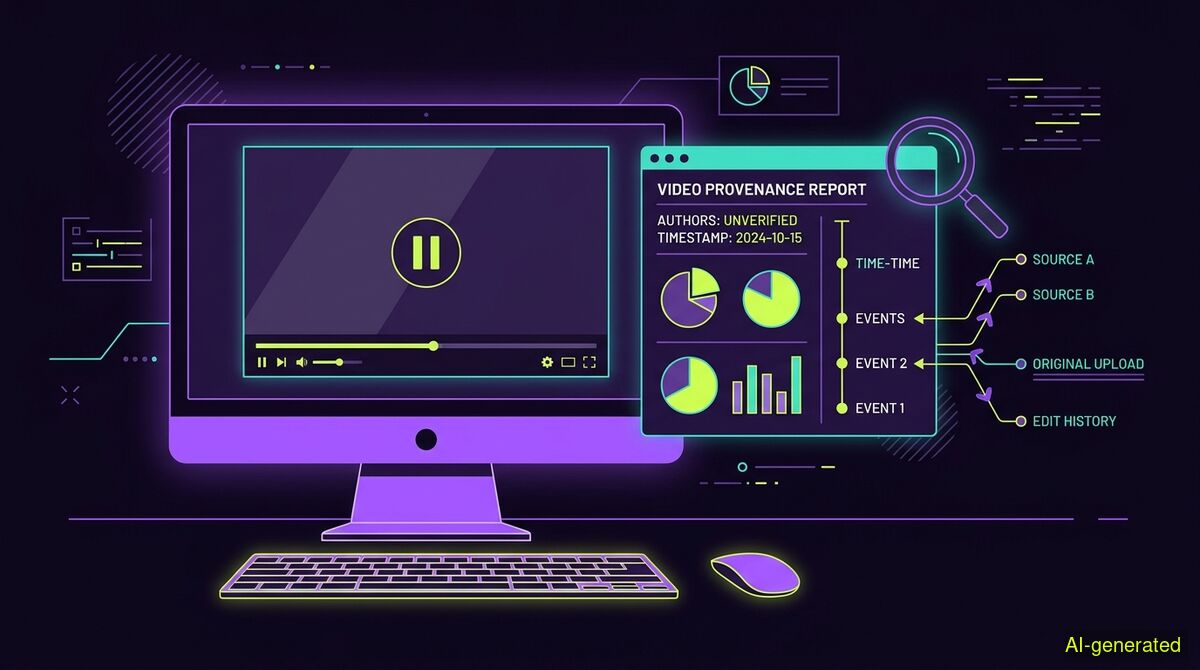
AI-generated illustration. A desktop monitor displaying a paused video player next to a digital provenance report and a timeline of source links.
You can check a celebrity endorsement video by searching for the original footage on the public figure's verified profiles, examining the clip's earliest publication date, and verifying the specific claims made in the audio. Finding the original context is far more reliable than relying on automated pixel forensics to spot a deepfake.
Every major vote now brings a wave of synthetic media, making a fake celebrity video election scandal a predictable part of the campaign cycle. When high-profile actors appear to make shocking political statements on social media, the initial reaction is often confusion. Before you share a controversial clip, you need a reliable method to determine what you are actually watching. The challenge is not just identifying AI generation, but understanding how real footage is deceptively repackaged to fool voters.
In October 2026, a sophisticated network targeted the US midterm elections. As France 24 reported, a series of videos spread across social platforms featuring Hollywood actors chastising the Democratic Party. The clips were branded with CNN logos and amplified with hashtags like #AllDemocratsAreCriminals. A Bloomberg review of 130 fabricated videos revealed that a Russian state-backed operation used an army of bots to artificially inflate view counts.
Research published by the Propaganda Archive attributed this campaign to a Kremlin-aligned network known as Matryoshka or Storm-1679. The operation relied heavily on voice cloning and manipulated footage to make it appear as though celebrities were recording selfie videos about the election. Verifying these videos requires looking past the branding and examining the source material.
The most common tactic in video disinformation is not generating a person entirely from scratch. Instead, operators take existing footage of a public figure and alter the audio or the context.
A report from NBC News highlighted how this works in practice. The Matryoshka operation distributed a clip of actress Julia Roberts appearing to make aggressive political statements. The video itself was real, but it was lifted entirely from a 2023 Gucci campaign for gender equality. The original audio had been replaced, and the context was completely fabricated.
To check a video manually, your first step is to visit the celebrity's official, verified social media accounts and official websites. Public figures use their own platforms to announce major political endorsements. If a highly inflammatory endorsement exists only in grainy clips shared by anonymous accounts, that is a strong signal of manipulation. You can also take a screenshot of a clear frame from the video and run a reverse image search using standard search engines. This often leads you directly to the original, unedited footage from a past interview or commercial.
When manual searching is not enough, you can look at the digital history of the file. This is where provenance tools come in. The wyper AI Spotter is a provenance report designed for this exact purpose. It is available on paid plans only and costs 4 credits per video run.
The AI Spotter does not run deepfake pixel forensics, and it never outputs a percentage of how "AI-ish" something looks. That percentage number is the exact harm we exist to prevent, because it gives a false sense of certainty. Instead, the tool checks the earliest documented publication and looks for content credentials. For video, it takes still frames and searches each one separately. A hit on any frame is a hit on the video.
This approach is highly effective for catching the most common real video deception, which is old footage relabelled as new. A pixel detector cannot see that a video is real footage from 2023 being passed off as an event from yesterday. Earliest appearance catches this immediately.
The AI Spotter also checks for a C2PA content credential, verifying it against 55 official trust anchors. Only a trusted signature counts, because a merely valid one can be self-signed by anyone. However, you must understand how platforms handle these credentials. A content credential sits in its own box beside the picture data. Any repackaging drops it, including a lossless repackaging that leaves every pixel untouched. Social media platforms repackage files upon upload. Therefore, on a video taken off a social feed, the content credential layer will almost always find nothing. This is the normal case, not a suspicion, and the report says so explicitly.
If the video contains spoken arguments or specific statistics, you can verify the text of what is being said. You can use the free wyper web app to run a fact-check on the transcript. The text fact-check remains completely free for up to 5 checks a day without an account.
The wyper Fact-Check tool returns a truth score of 1-10 alongside an evidence chain of real, linked sources. Sources are never filtered by origin. There is no mainstream bonus and no preference for official sources, because the reader decides what to trust. The standard check uses a Dual-AI cross-check, relying on Gemini plus Grok. Grok searches for itself during this process, ensuring the two models do not share one single evidence set.
For a deeper investigation, the Full Spectrum tier offers a Triple-AI reading: three models, one evidence set. The third voice does not search. It receives exactly the sources the main model received and reads them independently. If there is a disagreement, it is a different reading of the same material, not a different search result. Our own testing of 30 claims with frozen sources showed that Gemini and Grok agreed in 29 out of 29 cases. Two models trained on overlapping text are correlated, not independent. The third model of different origin disagreed in 3 of 26 cases, every time providing a machine-verified quote.
When checking videos directly, the platform you use matters. The wyper web app cannot see your YouTube session, meaning subtitles are often unavailable there. The wyper extension runs in your browser and can reach more data. For YouTube, the extension uses subtitles when reachable. When they are not, an AI model actually watches the video within a time window. The free tier covers up to 10 minutes on YouTube, while Pro covers 30 minutes. For videos on X, both the web app and the extension take the same route. X videos are checked up to 2 minutes on the free tier and 7 minutes on Pro, while longer ones are refused outright rather than partially checked.
| Manual checks | wyper web app | wyper extension | |
|---|---|---|---|
| Cost | Free | Text checks free, AI Spotter paid | Text checks free, AI Spotter paid |
| Installation | None required | None required | Browser extension required |
| Video checking | Reverse image search via search engines | Fact-checks pasted text or X video links | Watches YouTube (up to 10m free) and X videos |
| Subtitles access | Manual transcription required | Cannot see YouTube user session | Can read subtitles directly in the active tab |
| Provenance report | Manual metadata inspection | AI Spotter (paid plans only) | AI Spotter (paid plans only) |
Who needs which: The manual route is best for users who want to find the original celebrity footage themselves without relying on external tools. The wyper web app is ideal for readers who want to quickly verify a pasted transcript or an X video link without installing any software. The wyper extension is necessary for users who regularly watch YouTube videos and need a tool that can read subtitles or watch short clips directly within their active browser tab.
Verifying a celebrity endorsement video requires finding the original footage rather than trusting the clip on your feed. You can check the celebrity's official accounts, look for the earliest publication date, and fact-check the spoken claims to uncover deceptive editing. The truth score and provenance data provided by verification tools help establish the facts, but the final judgment always stays with you.
The wyper Fact-Check extension runs these checks on the post itself: truth score, evidence chain, and the date gap that catches recycled footage.
The web app installs to your home screen in one tap. No store, no account.
Already using it? ★★★★★ Rate it on the Chrome Web Store. Reviews decide what others get shown first.
 wyper
wyper