Understand how scheduled social media cleanup tools use OAuth server access, and why keeping deletion local in your browser removes the need for API keys.
This article was researched and drafted with AI, then checked and released by a person before it went live. The illustration is AI-generated. Every factual claim links to its source, so you can verify it yourself.
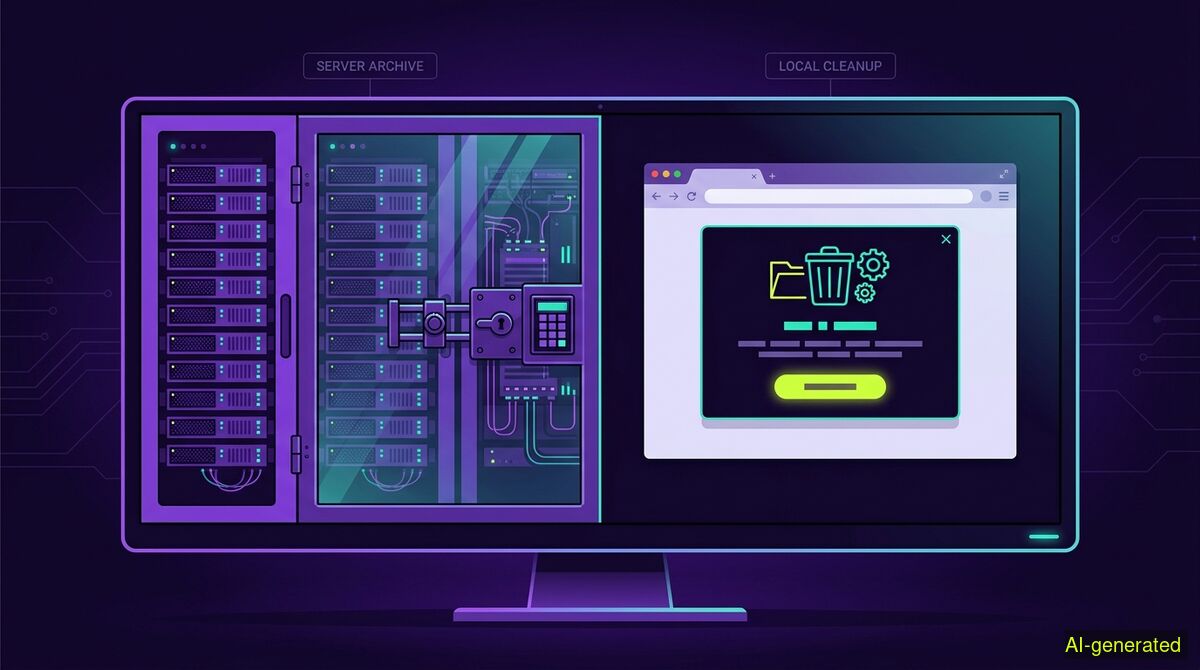
AI-generated illustration. A split computer monitor showing a locked server rack on one side and a local web browser with a cleanup confirmation prompt on the other.
Setting an auto delete tweets schedule requires giving a third-party server standing OAuth access to your account so it can act while you are away. We do not offer this because our browser extension operates strictly locally without API keys, meaning it only runs when you have the tab open.
When people look for ways to manage their digital footprint, they often want to set up an auto delete tweets schedule to clear old posts automatically. The appeal is obvious. You configure the software once, set a timeframe, and let a background process tidy up your timeline while you sleep. Several popular services offer exactly this functionality. However, unattended automation requires a specific technical architecture. It demands that a remote server holds the keys to your account.
Understanding the difference between a cloud-based cleanup service and a local browser extension is crucial for managing your online privacy. The decision comes down to a direct trade-off between convenience and access control.
To delete a post while you are away from your computer, a software tool needs two things: a server that stays awake constantly and permission to act on your behalf. This permission is granted through OAuth. When you sign up for a cloud-based cleaner, you click an authorisation button that generates an access token. The tool stores this token on its own database.
This token acts as a digital key. As an analysis of X API automation rules points out, automating actions through the official API is a standard and documented procedure for developers. Services like TweetDelete or Semiphemeral rely on this exact mechanism. In fact, The Next Web reported that Semiphemeral transitioned to a web interface precisely to make this background automation easier for standard users.
Because these services possess your OAuth token, they can wake up at a scheduled time, query the platform for your recent activity, and issue deletion commands. They can do it because you gave them the keys.
The convenience of a set-and-forget schedule carries an inherent security risk. Any server holding thousands of OAuth tokens becomes a target for data breaches. If a malicious actor compromises that database, they gain the ability to post, read, or delete content across all those connected accounts until the users manually revoke the permissions.
As detailed in an analysis of tweet deleter safety, using a traditional tweet deleter is only as safe as the server holding your token. Tools that require standing API permissions expose your account to these external vulnerabilities. You are trusting a third-party company to secure their infrastructure indefinitely. For many users, this is an acceptable exchange for the convenience of an auto delete tweets schedule. For others, granting permanent write access to an outside entity is a line they prefer not to cross.
Our approach completely removes the remote server from the equation. The wyper Social Cleanup extension runs strictly locally inside your web browser. It relies entirely on two standard browser permissions: storage and activeTab.
It needs no password, no API key, and no OAuth authorisation. Instead of asking for a digital key to take back to our servers, the tool simply acts in the tab you already have open, logged in as yourself. It borrows your current, active session to perform the cleanup tasks directly on the webpage.
This architectural choice creates a hard limitation. Because we hold no authorisation, we cannot delete on a schedule or while the user is away. Competing services can offer background tasks precisely because the user granted them standing account access and they run on their own servers. No tab, no run. We cannot perform unattended cleanups because we never ask for the keys necessary to do so.
A common misconception about our tool is that it can automatically clear posts older than a certain number of days. There is no date filter and no date range. You cannot instruct the tool to delete items from three years ago.
Instead, the extension relies entirely on keyword filtering. You can set it to delete only items containing a specific word, an @name, or a #tag. You can enter several keywords separated by commas. There is also an INVERT option, which deletes everything that does not contain your specified keywords. This works on X posts and replies, allowing you to curate your timeline based on subject matter rather than chronology.
The extension works exclusively on X and Instagram. On these platforms, it can clear posts, replies, comments, likes, and reposts. It can also manage your network by executing bulk unfollows and removing followers.
Because the tool must remain open in your active browser tab, bulk deletion takes time. The extension processes items sequentially to mimic natural browsing behaviour. To help pass the time during a long run, the tool can show small games within the interface while it works through the list.
Both products we build offer a free tier. For the cleanup extension, the free tier allows 50 deletions per day. Upgrading to the Pro tier removes this daily limit entirely. The Pro tier also produces a deletion receipt when the job finishes. This receipt includes counts only, never the actual deleted content, and provides a shareable proof link to verify the volume of the cleanup.
Before starting any run, the extension explicitly warns you that deletion is irreversible. There is no export and no download of your content available through our tool. Once an item is removed from X or Instagram, it is gone permanently.
Navigating social media automation requires understanding what the networks permit. According to a 2026 developer guide, automating actions on X is generally allowed when utilizing the official API, provided the software adheres to strict rate limits and anti-spam policies.
Browser extensions operate in a different category. Because they act locally through the user interface, they must not script the website in a way that violates platform manipulation policies. By requiring the user to initiate the run in an active tab and processing items sequentially, the extension functions as an assistant to manual clicking rather than an autonomous bot network. This keeps the control entirely in the hands of the human user sitting at the keyboard.
| Manual cleanup | wyper Social Cleanup extension | |
|---|---|---|
| Account access required | None | None (uses active browser session) |
| Background scheduling | No | No |
| Setup complexity | None | Requires browser extension installation |
| Cost | Free | Free tier (50/day), paid Pro tier for unlimited |
| Deletion speed | Slow (one by one) | Automated sequentially in the open tab |
| Privacy | Complete (no data leaves browser) | Complete (no export, no remote servers) |
Who needs which: A manual cleanup is best for users who only need to remove a handful of recent posts and want zero software installed on their machine. The wyper Social Cleanup extension is built for users who need to remove hundreds of posts based on specific keywords, but who refuse to hand over their OAuth tokens or API keys to a remote cloud service.
Setting up a background deletion schedule requires giving a remote server permanent OAuth access to your account. We chose to build a local browser extension that needs no API keys, which guarantees your credentials stay private but means the tool only runs when your tab is open.
The wyper Social Cleanup extension bulk-deletes posts, replies and likes, with filters instead of one tap per post.
The web app installs to your home screen in one tap. No store, no account.
Already using it? ★★★★★ Rate it on the Chrome Web Store. Reviews decide what others get shown first.
 wyper