A practical guide to locating hidden billing portals, documenting your cancellation securely, and understanding your consumer rights for digital subscriptions.
This article was researched and drafted with AI, then checked and released by a person before it went live. The illustration is AI-generated. Every factual claim links to its source, so you can verify it yourself.
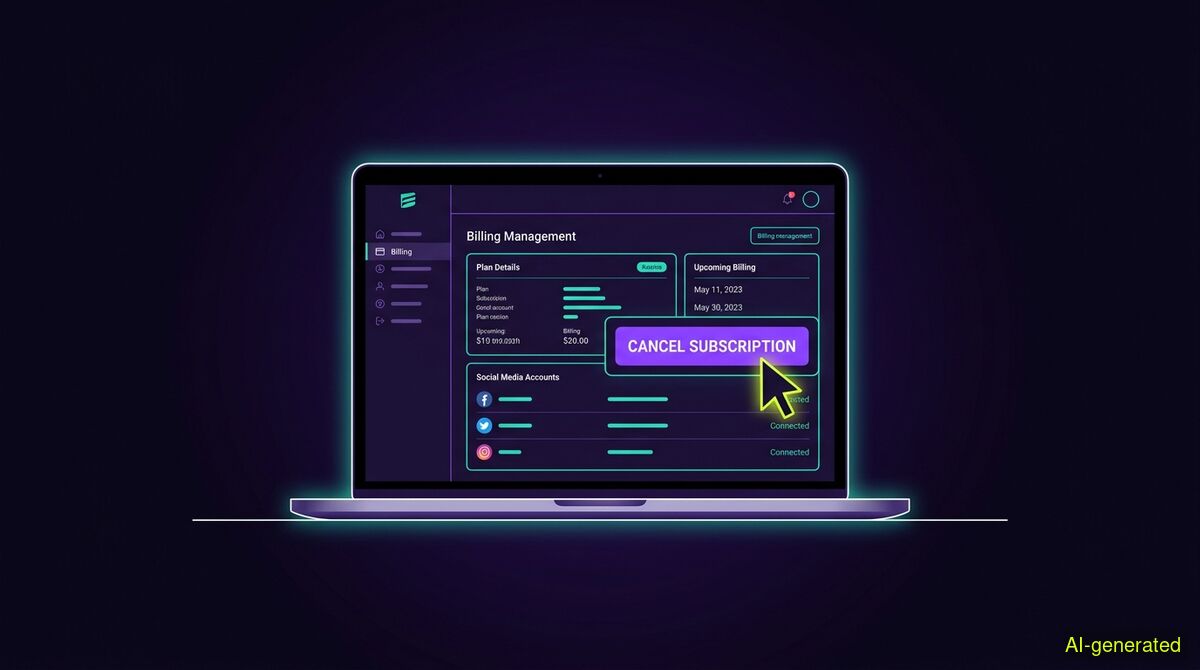
AI-generated illustration. A laptop screen displaying a billing management portal with a cursor hovering over a cancel subscription button.
To cancel a cleanup subscription completely, you must locate the third-party billing portal used by the tool developer and document the final confirmation screen. Relying on the browser extension store is no longer possible because stores stopped managing subscription payments entirely.
Many users sign up for a tool to clear out their old social media posts, finish the job in an hour, and forget about the billing arrangement entirely. A month later, a new charge appears on their credit card statement. If you need to cancel cleanup subscription billing, the process is often more complicated than clicking a single button in your browser. This guide explains how to track down the correct billing portal, document your cancellation securely, and understand your consumer rights.
If you installed a cleanup tool through the Google Chrome Web Store, your first instinct might be to look for a cancellation button on the extension's store page. You will not find one.
The reason for this is historical. Google deprecated Chrome Web Store payments in 2020 and stopped processing charges for existing users entirely on February 1, 2021. Since that date, extension developers have had to rely on third-party payment processors like Stripe or Paddle to handle subscriptions.
Because the transaction happens outside of Google's ecosystem, Google has no record of your payment and cannot cancel it for you. Industry guidelines now dictate that developers must treat paid access as a server-side state rather than a local browser preference. This means deleting the extension from your browser does absolutely nothing to stop the recurring charges on your credit card. You must find the specific external billing portal used by the vendor.
Service providers often make it trivial to resubscribe but deliberately difficult to cancel. To stop the charges, you need to locate the original payment receipt.
First, search your email inbox for the name of the tool you installed. If that yields no results, search for the names of common payment processors like "Stripe", "Paddle", or "FastSpring". These emails almost always contain a direct link to a secure customer portal where you can manage your billing preferences.
If you cannot find an email, open the extension in your browser and look for a settings menu or an account tab. Most legitimate tools provide a link to your billing management page directly within their interface.
The EU has rules in place to ensure online shopping happens in a safe environment, but the European Commission advises checking the website address carefully and researching the seller before entering payment details. If a tool offers no obvious way to manage your account, you may need to contact your credit card provider to block future transactions.
A common frustration among consumers is cancelling a service only to see a charge appear a month later. When you contact support to dispute the charge, the company will inevitably ask for proof.
To protect yourself, you must capture a timestamped record of your actions. Consumer advocates note that without concrete proof, users are left with only a vague memory of clicking a button somewhere on a webpage. Always take a screenshot of the final cancellation confirmation screen. Ensure your computer's clock is visible in the corner of the screen to establish a clear timeline. Save this image until the next billing cycle has passed without a charge.
If you signed up for a service recently and changed your mind, you might have a legal right to withdraw from the contract entirely. The European Union guarantees a 14-day cooling-off period for digital services. This means you can cancel the contract within 14 days without providing any justification.
A July 2026 ruling by the Court of Justice of the European Union confirmed that dynamic digital offerings constitute digital services rather than static digital content. This ruling is significant because it limits the ability of providers to exempt themselves from the 14-day withdrawal right.
In principle, a high level of consumer protection applies against cost traps, but consumer centres note that differences exist across EU states regarding how automatic contract renewals are handled under local law. Regardless of your location, service providers must display the total price clearly. If a company decides to increase its rates, it must notify you in advance within a clear time limit before implementing the increase.
Not everyone needs a permanent subscription to maintain their social media accounts. Many people only want to run a cleanup once, perhaps before starting a job search or after a major career change. If you only need to tidy up a profile for a single afternoon, an ongoing monthly subscription is an unnecessary expense.
This is why we built the wyper Social Cleanup extension differently. Both of our products offer a free tier. The cleanup extension allows 50 free deletions per day. For users who need to clear thousands of items, the Pro tier removes this limit and operates as a day pass. We offer this specifically so you do not have to remember to cancel a subscription later.
The extension works exclusively on X (formerly Twitter) and Instagram. It can clear posts, replies, comments, likes, and reposts. It also includes tools for unfollowing accounts and removing followers.
We use a keyword filter that allows you to delete only items containing a specific word, a @name, or a #tag. You can enter several keywords separated by commas. There is also an INVERT option that deletes everything that does not contain your chosen keyword. This works on X posts and replies. There is no date filter and no date range available in the tool. Many users assume that deleting posts older than a certain year is a built-in option, but the honest answer is that keywords are the only available filter.
Because we hold no authorisation to your account, we cannot delete on a schedule or while you are away from your computer. Competing services can perform background deletions precisely because you grant them standing account access, allowing their scripts to run on their own servers. They can do it because you gave them the keys, and we cannot because we never ask for them. The wyper extension acts strictly in the tab you already have open, logged in as yourself, using only basic storage and activeTab permissions. It requires no password, no API key, and no OAuth authorisation.
Deletion is completely irreversible. The extension warns you of this before starting any run. We never export or download your content. The Pro version produces a deletion receipt containing numeric counts and a shareable proof link, but it never stores the text of your posts. Because working through a long list of posts takes time, the extension provides small games you can play while the run completes.
| Feature | Manual cleanup | wyper Social Cleanup extension |
|---|---|---|
| Cost | Free | Free tier (50/day), Pro day pass |
| Account access | Native logged-in session | Native logged-in session (activeTab) |
| Data privacy | No data leaves the browser | No content is exported or downloaded |
| Background scheduling | Impossible | Impossible (requires open browser tab) |
| Speed | Very slow | Fast (includes games during runs) |
Who needs which: The manual route is best for users who only need to delete a handful of recent posts, as it costs nothing and requires no installation. The wyper Social Cleanup extension is designed for users who need to clear years of history based on specific keywords without granting third-party OAuth access to their accounts.
Cancelling a social media cleanup subscription requires locating the external billing portal used by the developer, as browser extension stores no longer process payments. Always document your cancellation with a timestamped screenshot to protect yourself against unexpected future charges. If you prefer to avoid subscriptions entirely, look for tools that operate on a day pass model.
The wyper Social Cleanup extension bulk-deletes posts, replies and likes, with filters instead of one tap per post.
The web app installs to your home screen in one tap. No store, no account.
Already using it? ★★★★★ Rate it on the Chrome Web Store. Reviews decide what others get shown first.
 wyper
wyper